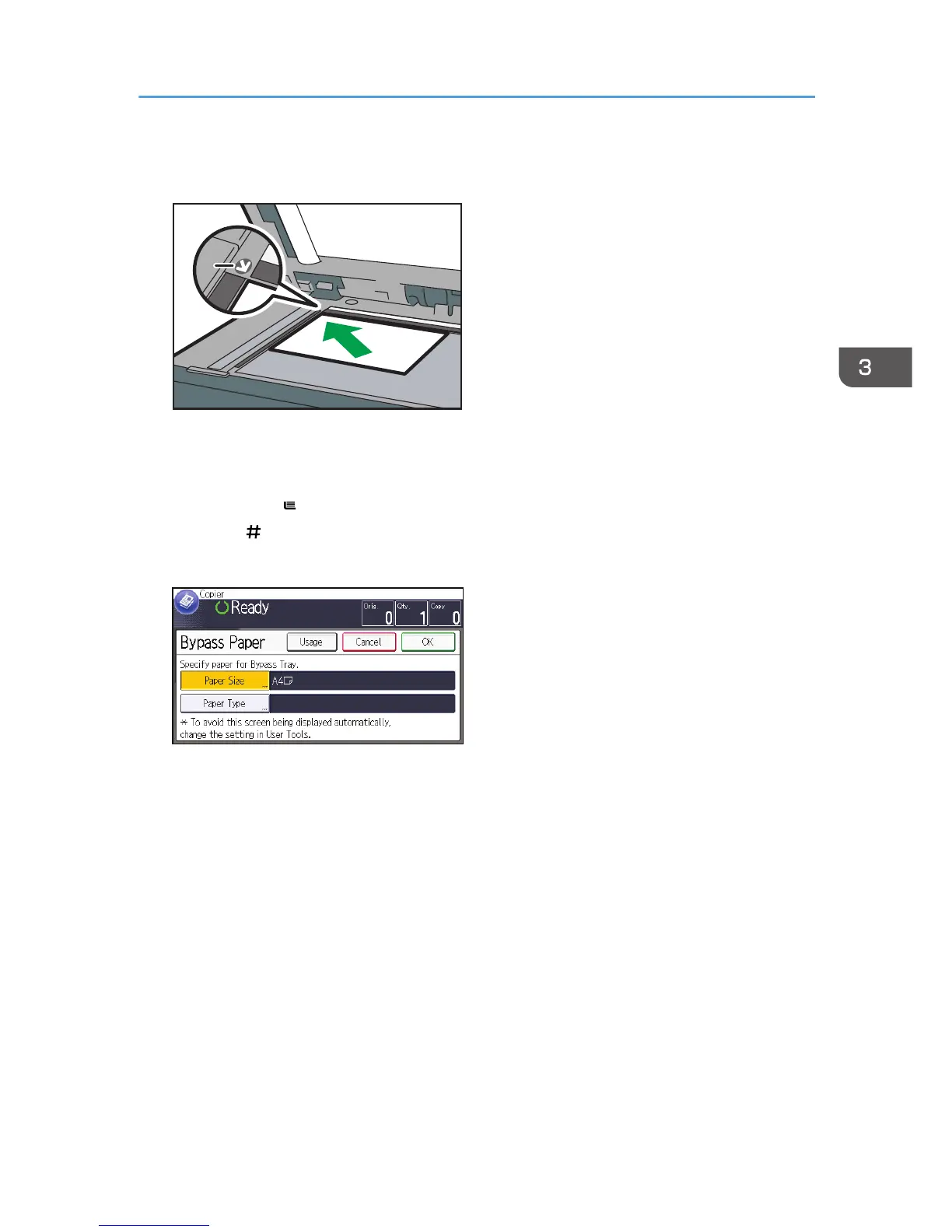
1. Positioning mark
2. Load the envelopes face down in the bypass tray.
The bypass tray ( ) is automatically selected.
3. Press the [ ] key.
4. Press [Paper Size].
5. Specify the envelope size, and then press [OK].
6. Press [Paper Type].
7. Press [Thick Paper], and then press [OK].
8. Press [OK].
9. Press the [Start] key.
Copying onto Envelopes
69



 To Next Page