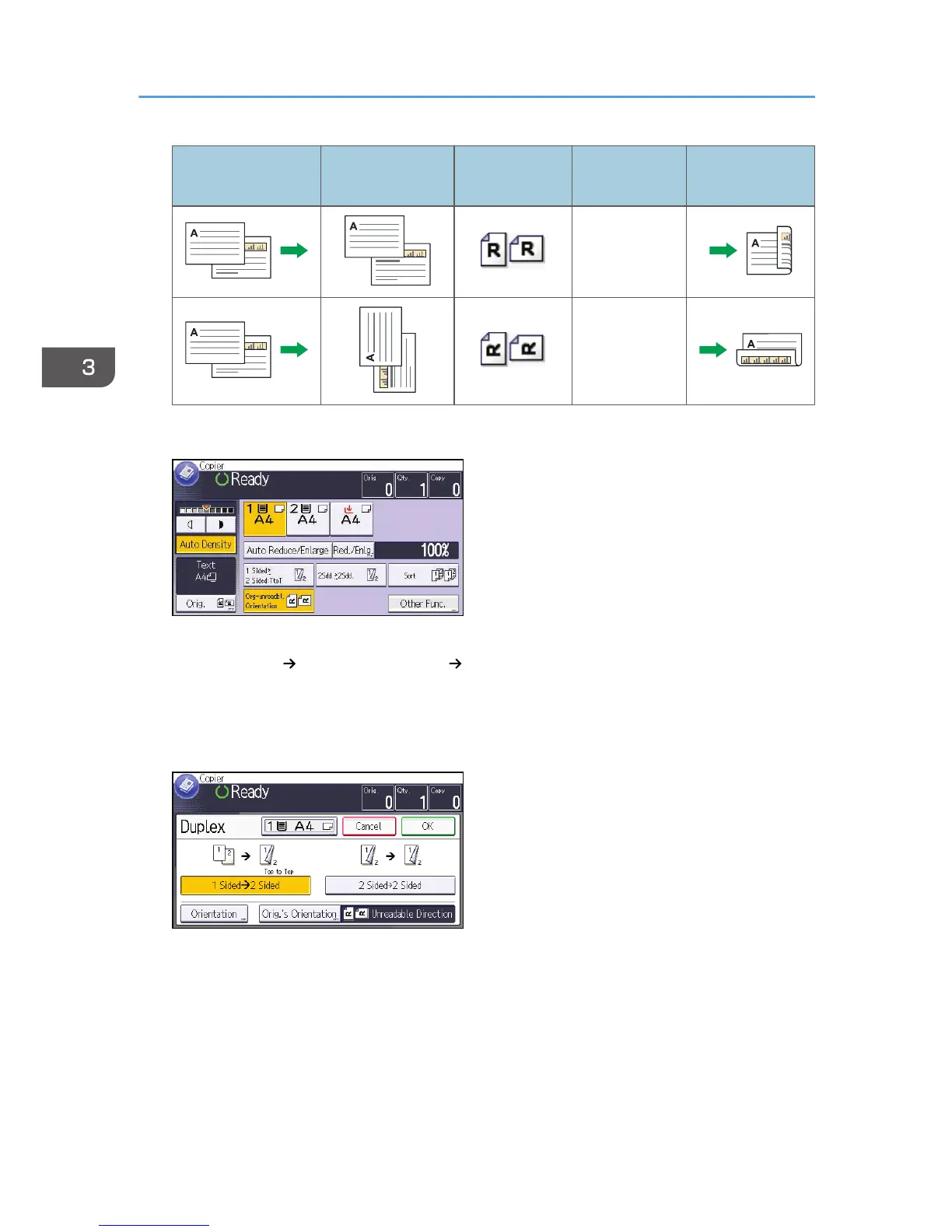
Original Placing originals
Orig.'s
Orientation
Orientation Copy
Top to Top
Top to Bottom
1. Press [Other Func.].
2. Press [Duplex].
3. Select [1 Sided 2 Sided] or [2 Sided 2 Sided] according to how you want the
document to be output.
To change the original or copy orientation, press [Orientation].
To specify the original orientation is whether readable or unreadable, press [Orig.'s Orientation].
4. Press [OK] twice.
5. Select the paper tray.
6. Place the originals, and then press the [Start] key.
3. Copy
60



 To Next Page