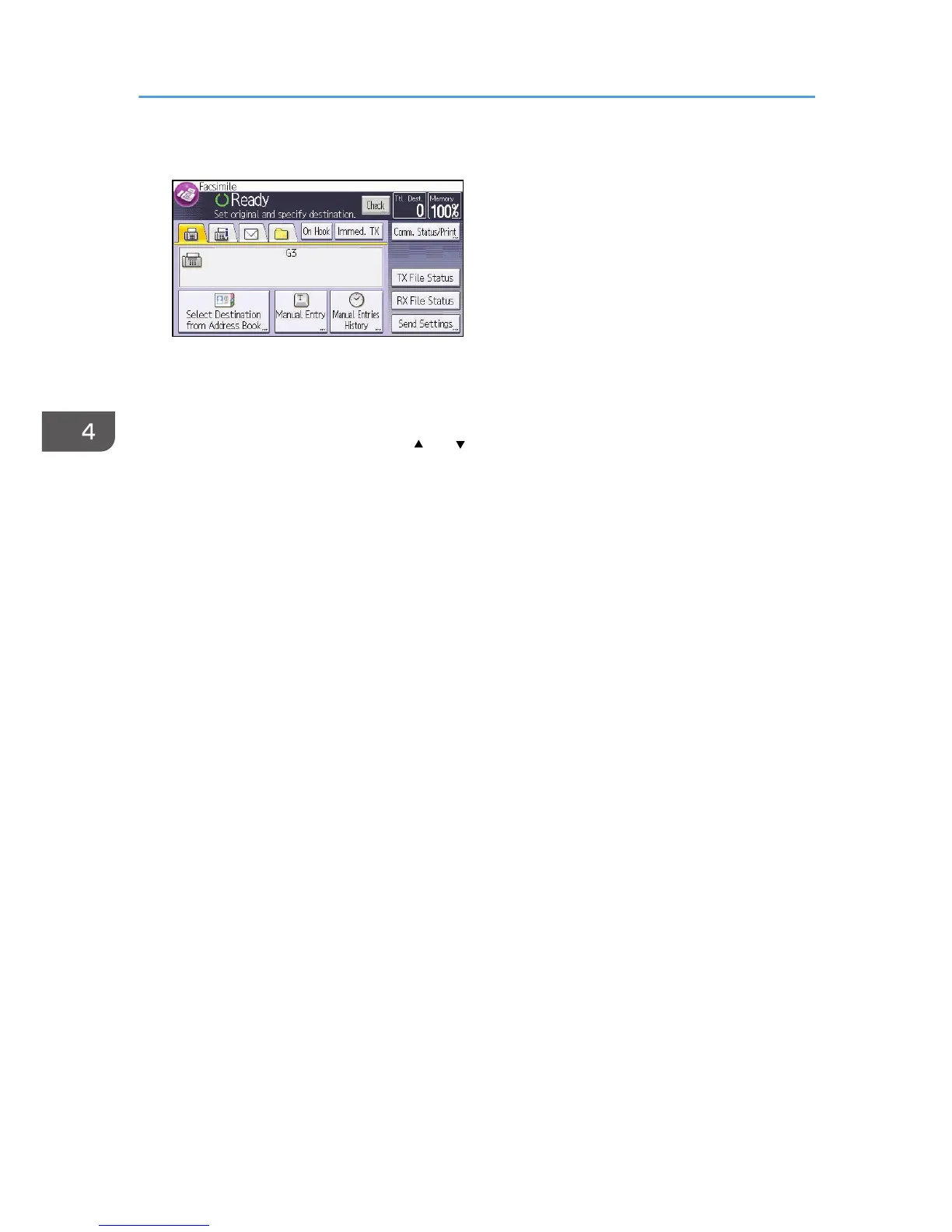
1. Press [Comm. Status/Print].
2. Press [Check/Stop Transmission File].
3. Press [Display File List].
4. Select the file you want to cancel.
If the desired file is not shown, press [ ] or [ ] to find it.
5. Press [Cancel TX].
To cancel another file, repeat steps 4 through 5.
6. Press [OK].
7. Press [Exit] three times.
4. Fax
82



 To Next Page