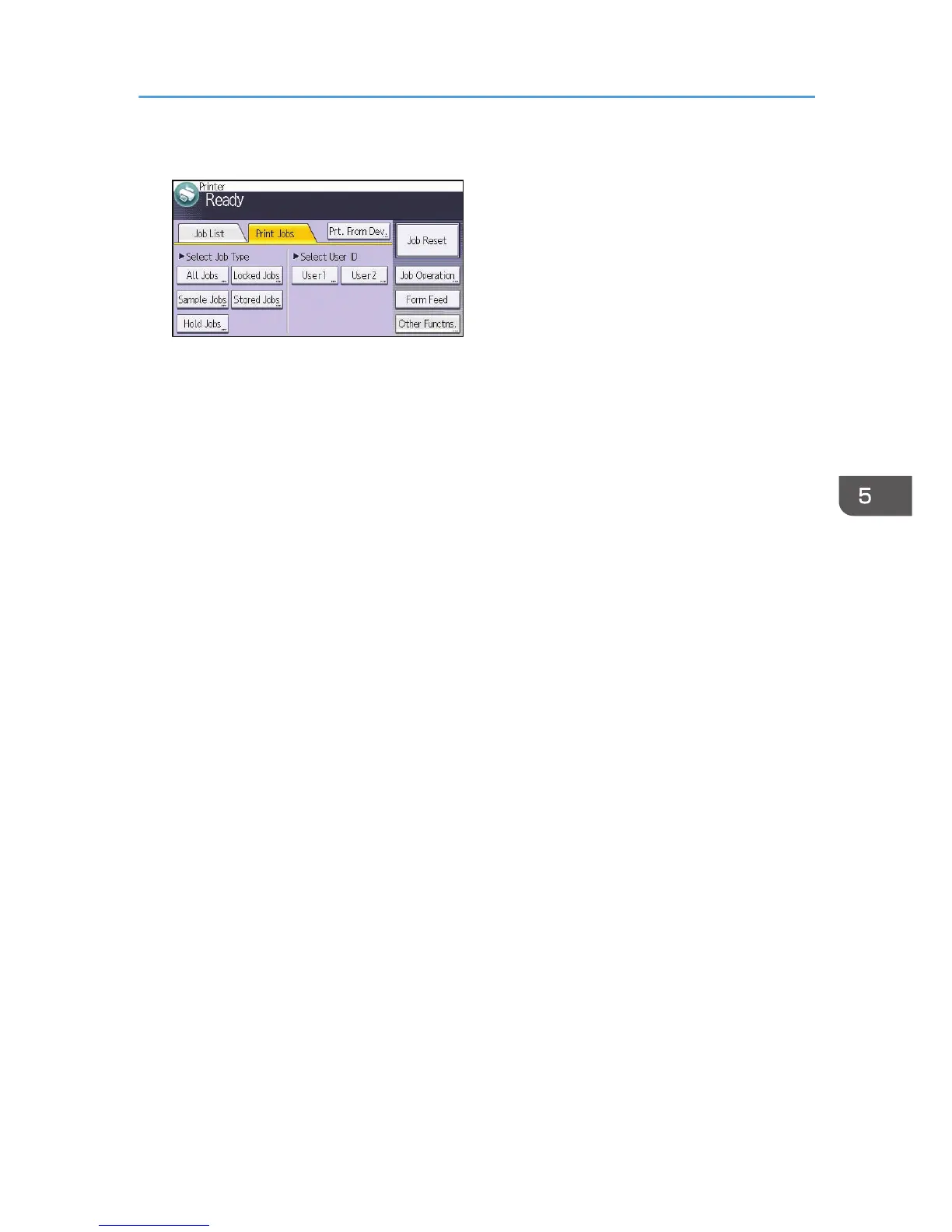
2. Press the [Print Jobs] tab.
3. Press [Hold Jobs].
4. Select the files you want to print.
You can select all the Hold Print files at once by pressing [All Jobs] after selecting a file.
5. Press [Print].
6. To change the print settings of the document, press [Det.Settings].
7. Enter the number of copies using the number keys if necessary, and then press [Resume
Prt.].
Hold Print
95



 To Next Page