• Be sure not to forget the supervisor login user name and login password. If you do forget them, a
service representative will have to return the machine to its default state. This will result in all data in
the machine being lost. Charges may also apply to the service call.
1. Press the [User Tools/Counter] key.
2. Press [System Settings].
3. Press [Administrator Tools].
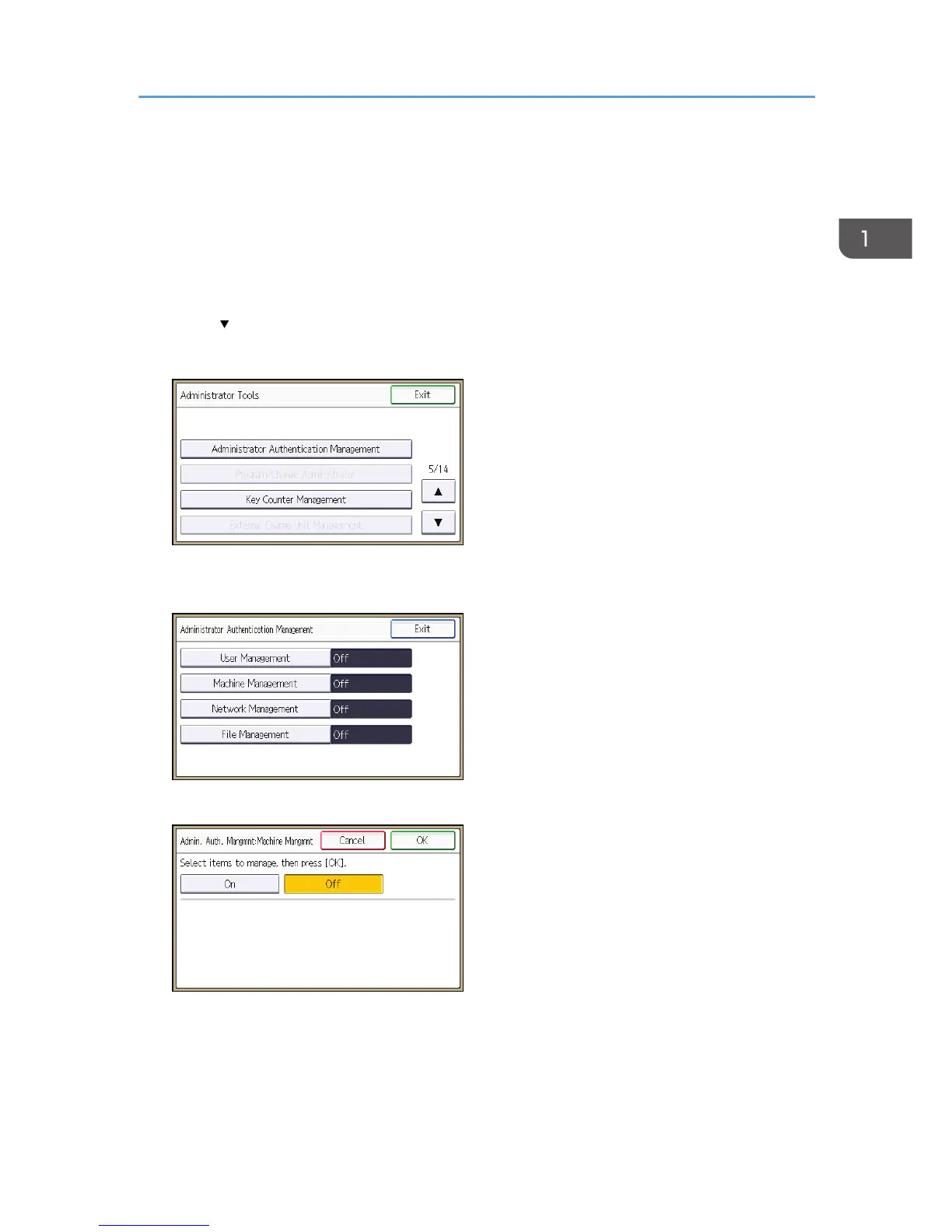
4. Press [ ] four times.
5. Press [Administrator Authentication Management].
6. Press [User Management], [Machine Management], [Network Management], or [File
Management] to select which settings to manage.
7. Press [On].
Configuring Administrator Authentication
17



 To Next Page