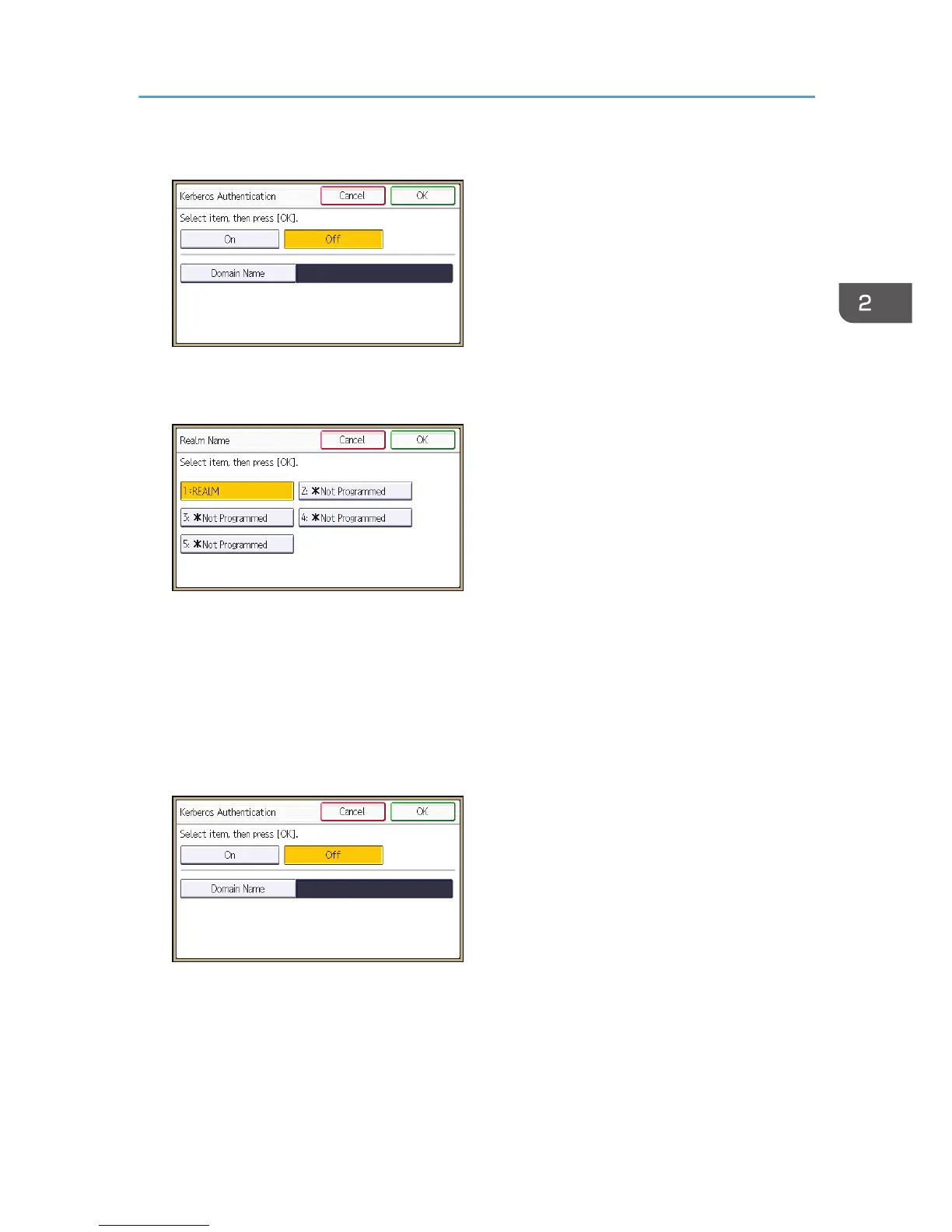
8. Select [On], and then press [Realm Name].
If you want to use NTLM authentication, proceed to step 11.
9. Select Kerberos authentication realm.
To enable Kerberos authentication, a realm must be registered beforehand. The realm name must
be registered in capital letters. For details about registering a realm, see "Programming the Realm",
Connecting the Machine/ System Settings.
Up to 5 realms can be registered.
10. Press [OK], and then proceed to step 12.
11. Press [Domain Name], enter the name of the domain controller to be authenticated, and
then press [OK].
12. Press [OK].
13. Press [Printer Job Authentication].
Windows Authentication
45



 To Next Page