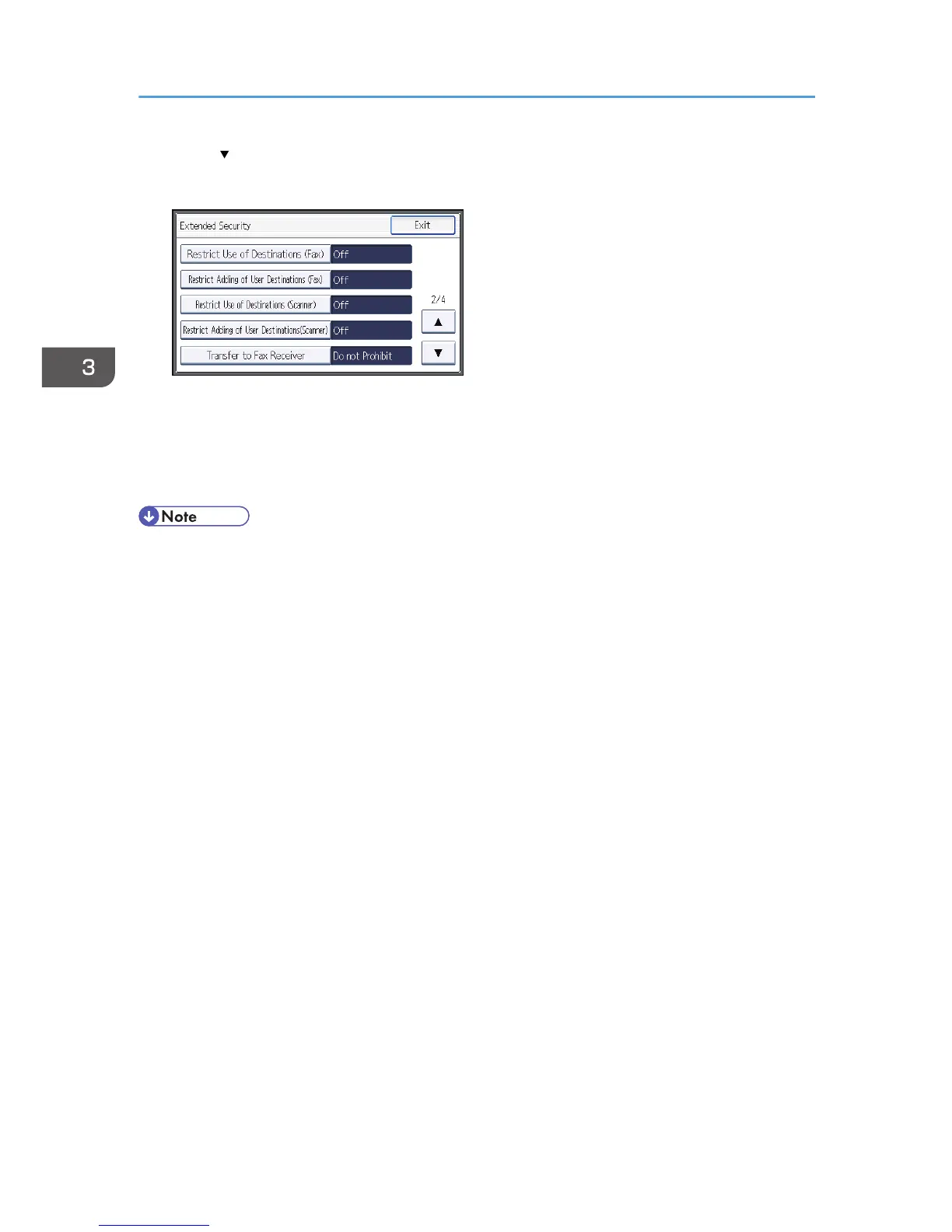
6. Press [ ].
7. Press [Restrict Use of Destinations (Fax)] or [Restrict Use of Destinations (Scanner)].
8. Press [On].
9. Press [OK].
10. Press [Exit].
11. Log out.
• If you set "Restrict Use of Destinations (Fax)" to [On], "Restrict Adding of User Destinations (Fax)"
will not appear. Similarly, if you set "Restrict Use of Destinations (Scanner)" to [On], "Restrict
Adding of User Destinations(Scanner)" will not appear.
3. Restricting Machine Usage
76



 To Next Page