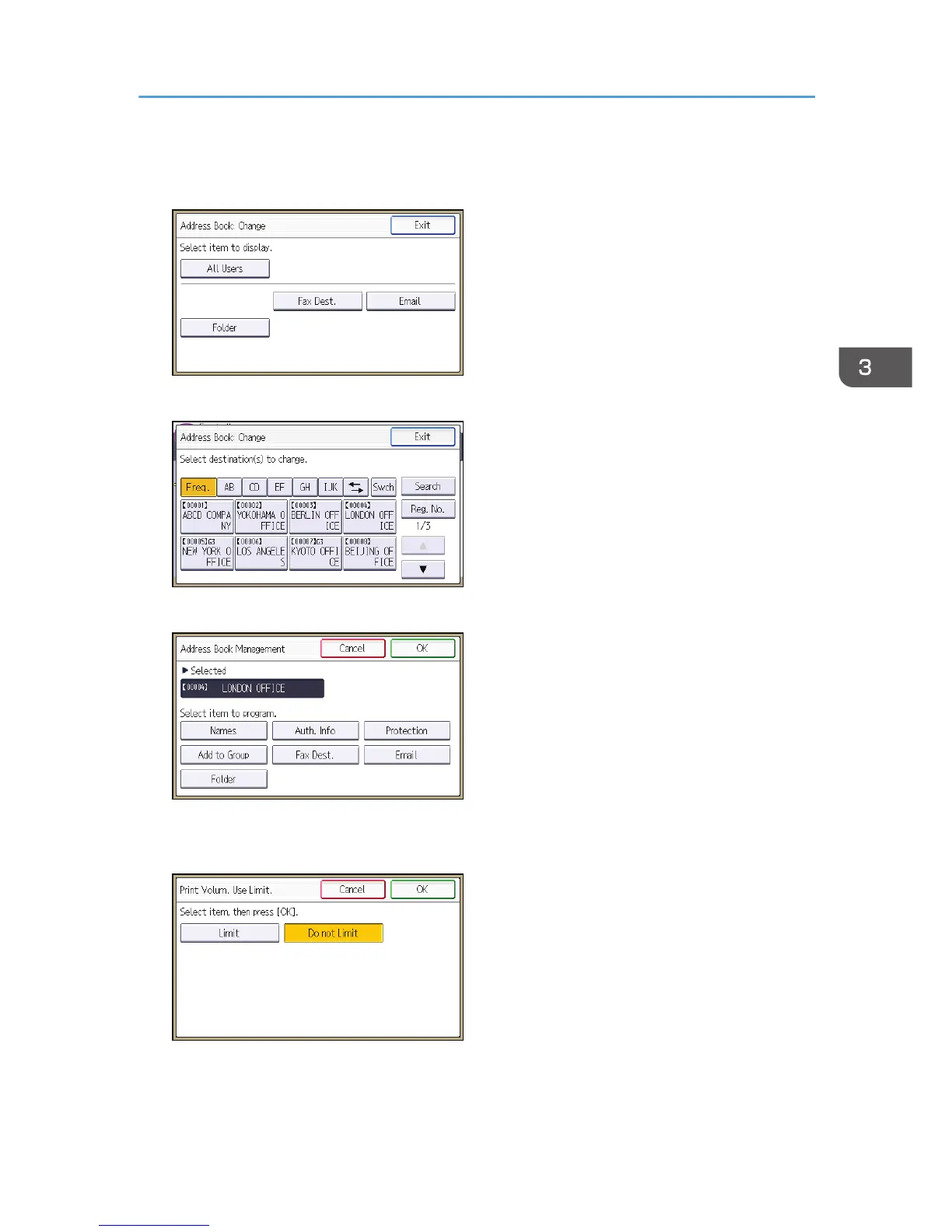
3. Press [Change].
4. Select the conditions for displaying the address book.
5. Select the user whose maximum available print volume you want to specify.
6. Press [Auth. Info].
7. Press [Print Volum. Use Limit.].
8. Press [Limit].
"Print Volum. Use Limit." does not appear if you have selected [Allow Continue Use] in "Machine
action when limit is reached".
If you do not want to limit user's print volume, press [Do not Limit].
Managing Print Volume per User
87



 To Next Page