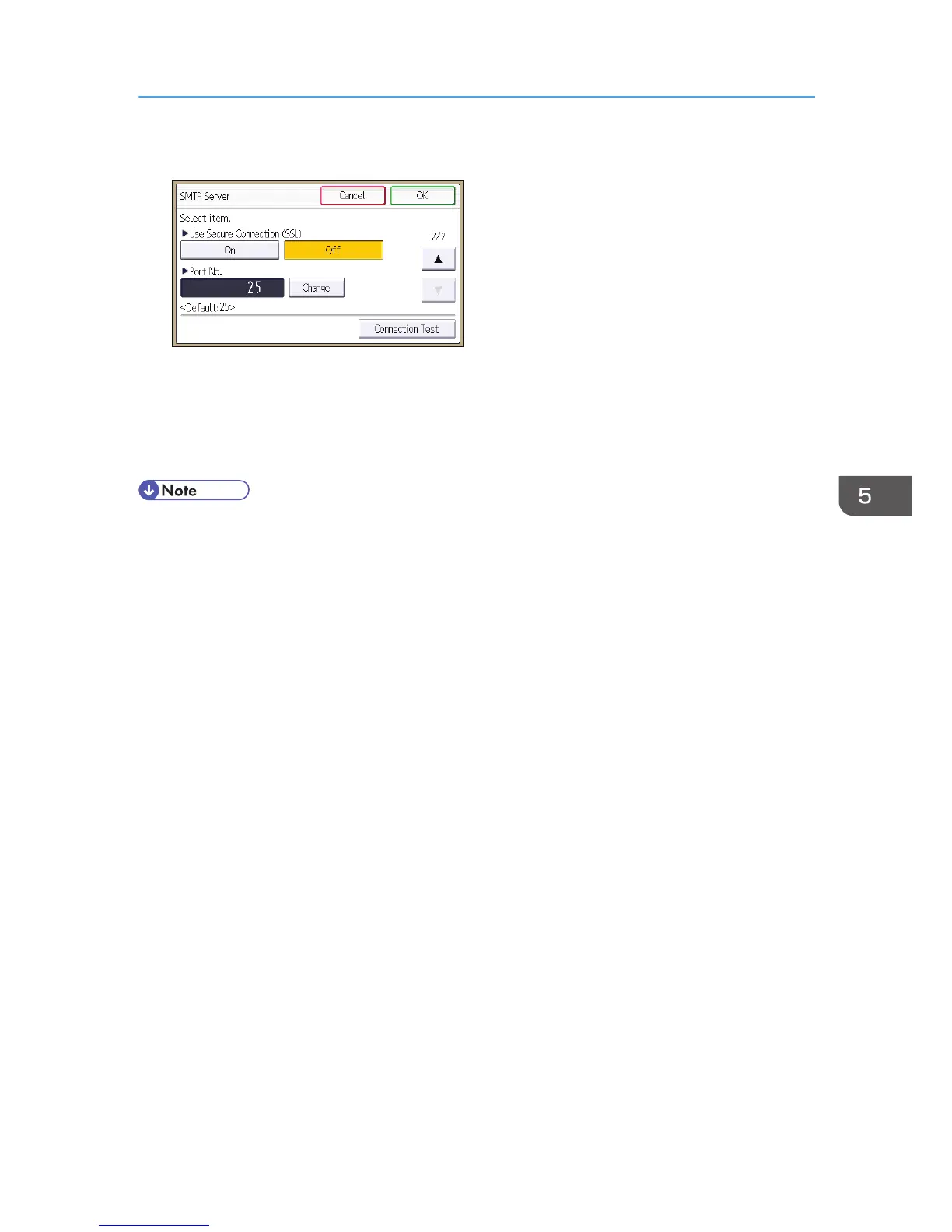
6. In "Use Secure Connection (SSL)", press [On].
If you are not using SSL for SMTP connections, press [Off].
When "Use Secure Connection (SSL)" is set to [On], the port number is changed to 465.
7. Press [OK].
8. Log out.
• If you set "Use Secure Connection (SSL)" to [On], you cannot bypass the SMTP server to send
Internet Fax documents directly.
Configuring SSL/TLS
137



 To Next Page