1. Exposure glass
Place originals face down here.
2.
Right cover
Open this cover to remove jammed paper fed from the paper tray.
3. Bypass tray
Use to copy or print on OHP transparencies and label paper (adhesive labels).
4. Paper guides
When loading paper in the bypass tray, align the paper guides flush against the paper.
5. Extender
Pull this extender out when loading paper in the bypass tray.
6. Lower right cover
Open this cover when a paper jam occurs.
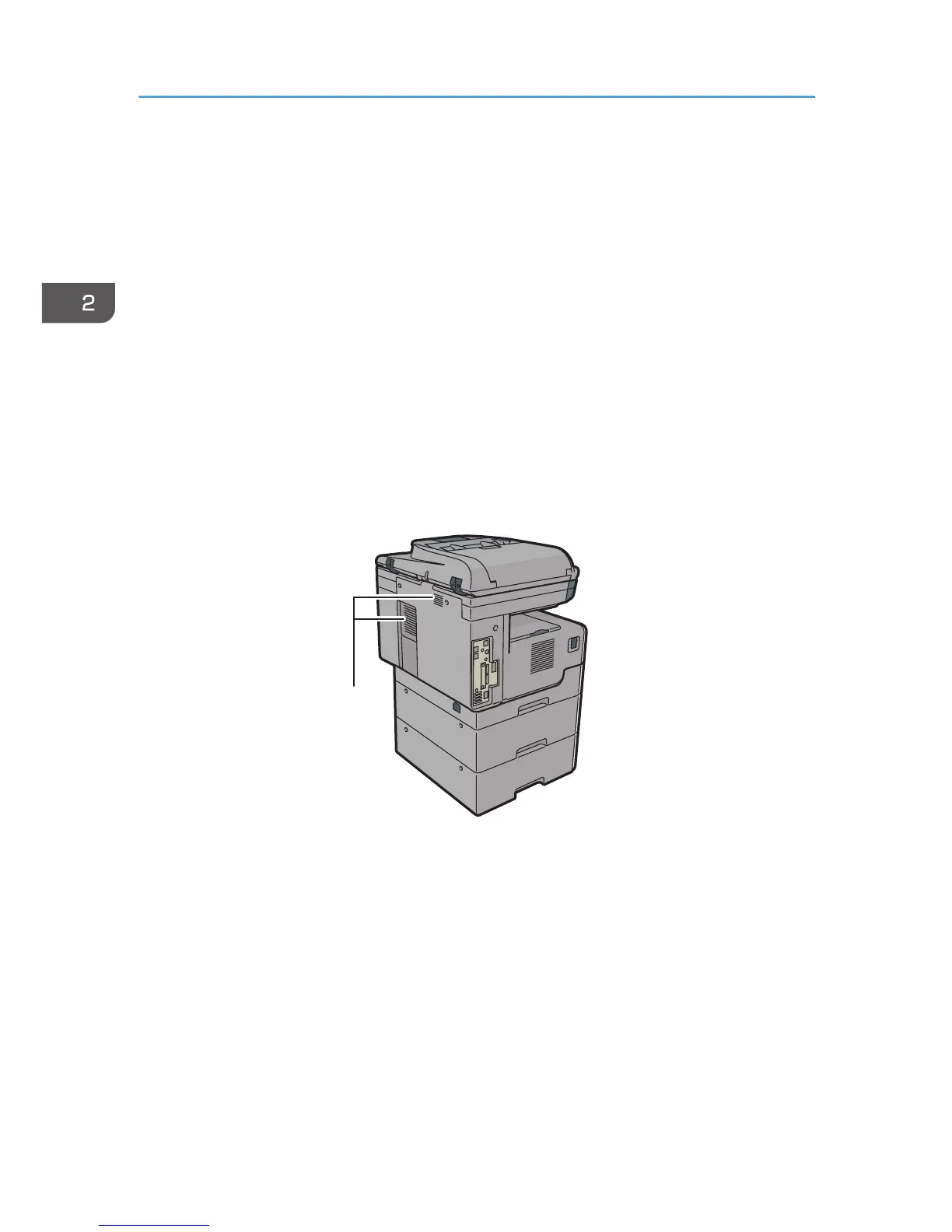
Rear and left view



 To Next Page