47
4454C EN 2013-05-14 Reading an image plate
CR 35-X DIGITIZER
The CR 35-X converts the information of the latent image to digital data.
4 Enter the identification data via the ID Station.
For detailed information, refer to the User manual of the ID Software.
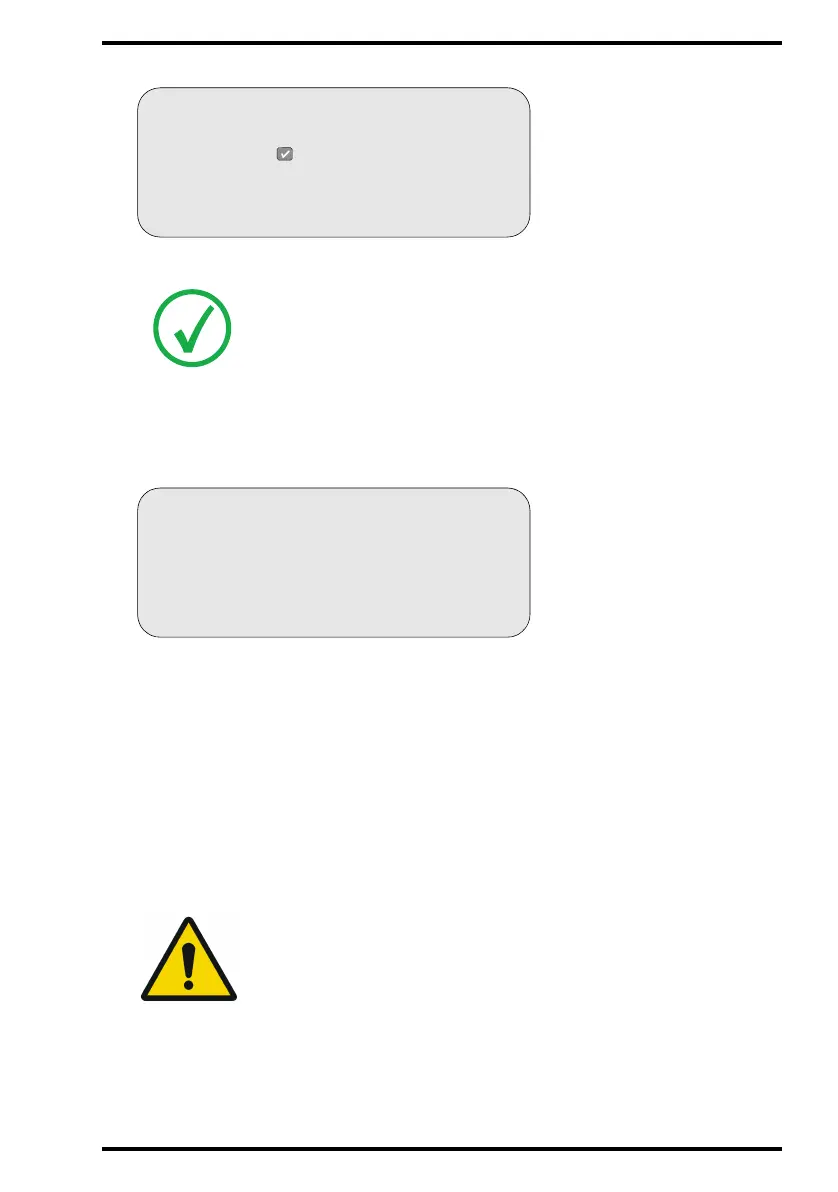
As soon as you have entered the identification data, the CR 35-X displays:
As soon as the CR 35-X has digitized the entire image plate and you have entered the
identification data:
• the CR 35-X erases the image plate and re-inserts it into the cassette;
• the CR 35-X gives the cassette ID data the status ‘erased’.
• the cassette is returned to the cassette slot;
• the digital image data is sent to the image processing station (‘destination’).
When the CR 35-X has treated the cassette, it displays the operator main screen.
5 Remove the cassette from the cassette slot.
Note: If the CR 35-X displays an error message, refer to Chapter 3, ‘Advanced
operation (‘Key-operator mode’)’.
WARNING: When the CR 35-X returns the cassette, it is ready to be re-
used immediately. However, if you leave it for more than 3 days before
re-using it, you must re-erase it first. Refer to ‘Re-erasing an image plate’
on page 56.
BUSY
DIRECT ID
Identify at ID station
or press to use emergency data



 To Next Page