59
4454C EN 2013-05-14 Reading the identification data of a cassette (Dedicated configuration only)
CR 35-X DIGITIZER
Reading the identification data of a
cassette (Dedicated configuration
only)
In the dedicated configuration, the identification data stored in the memory
chip of the cassette can be read via the CR 35-X.
To read the identification data of a cassette:
1 Check that the CR 35-X is ready for operation:
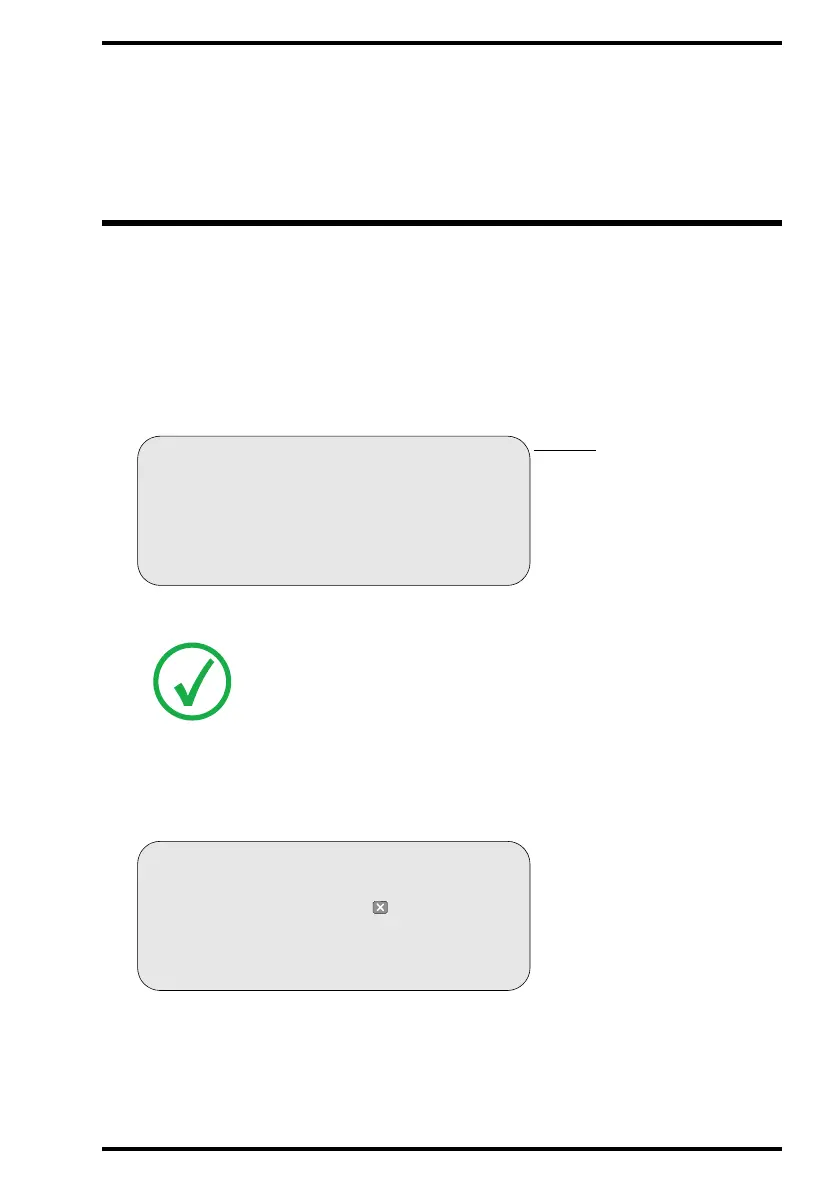
• The CR 35-X must display the operator main screen with ‘Ready’ status, e.g.:
• The status indicator at the top of the CR 35-X must be green and be lit constantly.
2 In the ID Software on the ID Station, select the mode for reading cassettes.
Refer to the User manual of the ID Software.
The display of the CR 35-X will read:
Note: The CR 35-X is operational if the status field equals ‘READY’, even if
status messages of the destination are shown (e.g. ‘QS not ready’).
QS not ready READY
Status field
BUSY
DIRECT ID
READ CASSETTE MODE
Enter cassette or press to cancel



 To Next Page