39
4454C EN 2013-05-14 Switching off the CR 35-X
CR 35-X DIGITIZER
Switching off the CR 35-X
Before switching off
Check that the CR 35-X is not scanning an image plate. If the CR 35-X is
scanning an image plate, the status indicator at the top of the machine is
green and flashing.
Switching off
It is recommended to switch off the CR 35-X at the end of the day.
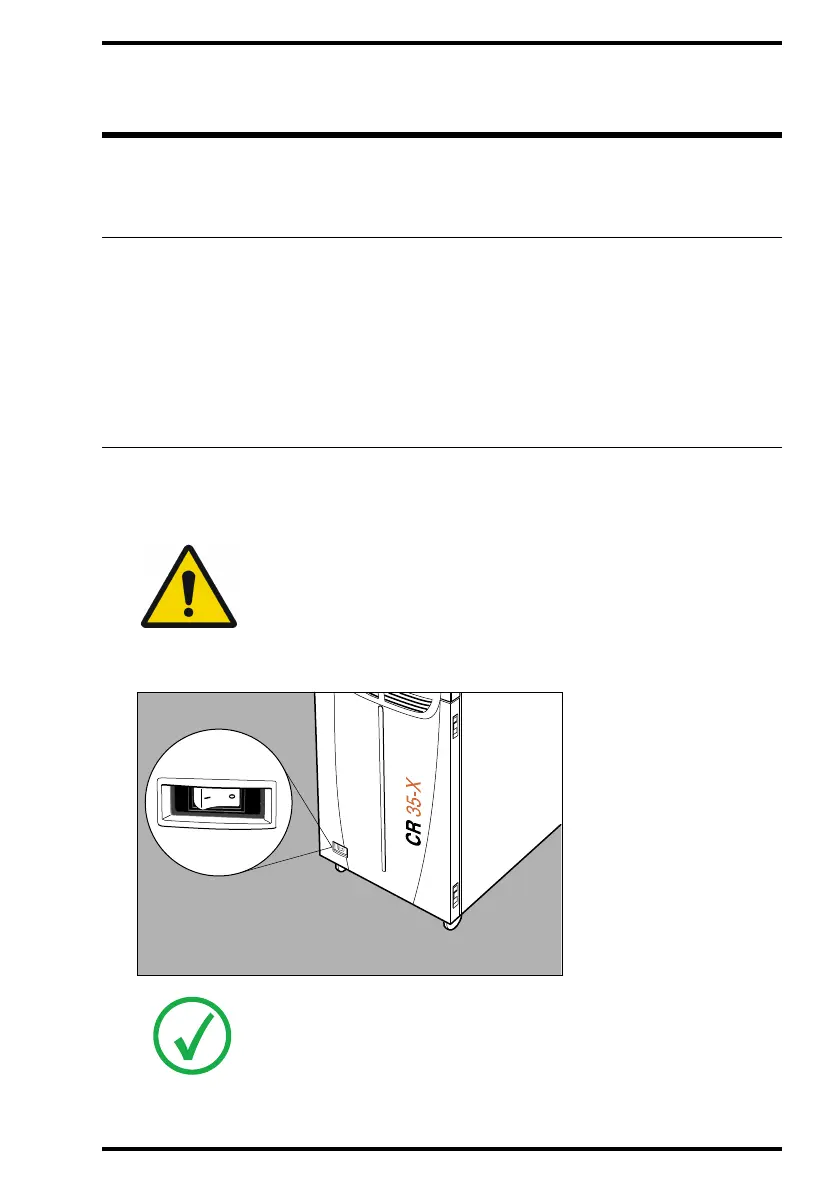
Place the main switch in position ‘0’.
WARNING: Leave the CR 35-X on if you intend to use it overnight.
Switching on the CR 35-X takes approximately 3 minutes. During this
time emergency digitizing is not possible!
Note: After switch off, the device is still in stand-by mode. To remove the
device from the mains supply disconnect the mains plug.



 To Next Page