60
4454C EN 2013-05-14Reading the identification data of a cassette (Dedicated configuration only)
CR 35-X DIGITIZER
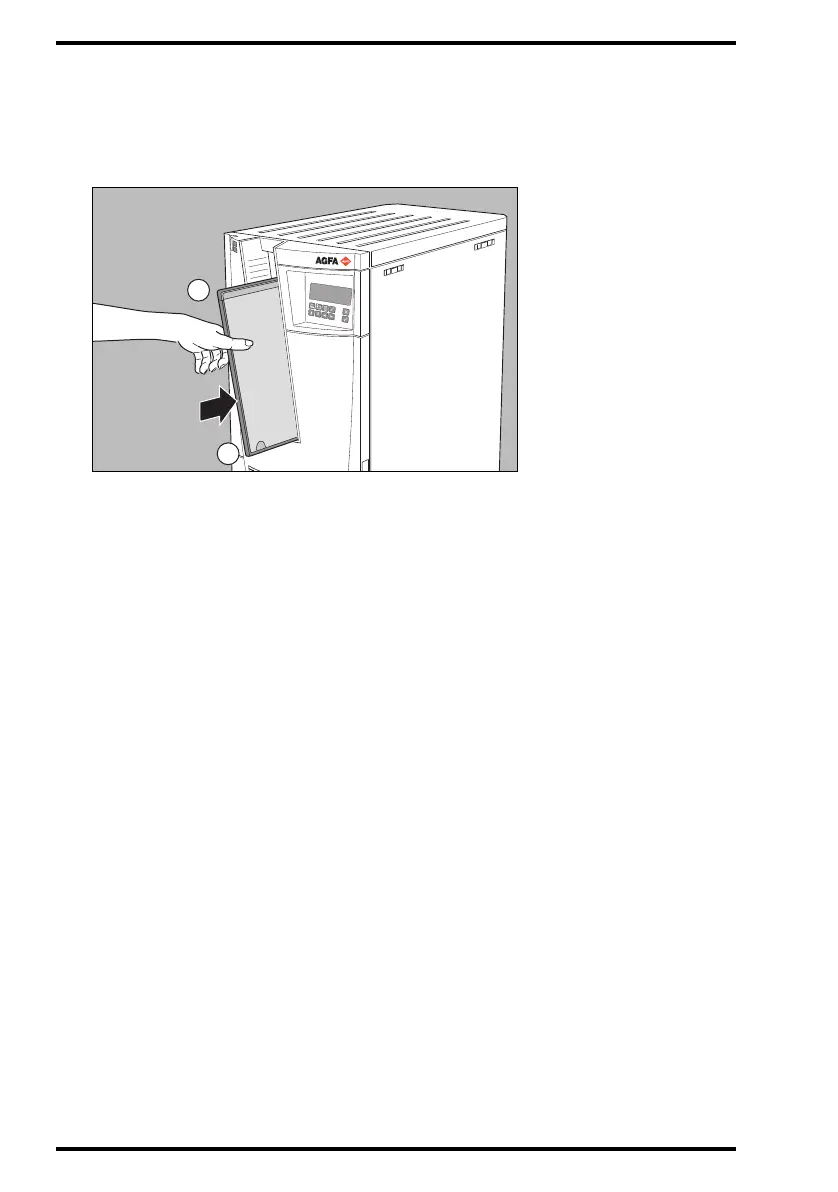
3 Insert the cassette containing the image plate into the cassette slot of the
CR 35-X as shown below.
Make sure to insert the cassette with the hinge [1] at the top and the locking
mechanism [2] at the bottom.
While the CR 35-X reads the identification data from the cassette chip, the status
indicator at the top of the machine is red and flashing.
The identification data will be displayed on the ID Station. Subsequently, the CR 35-
X returns the cassette to the cassette slot and displays the operator main screen.
4 Remove the cassette from the cassette slot.



 To Next Page