Chapter 1 — Preparing the scanner 13
Taking a closer look
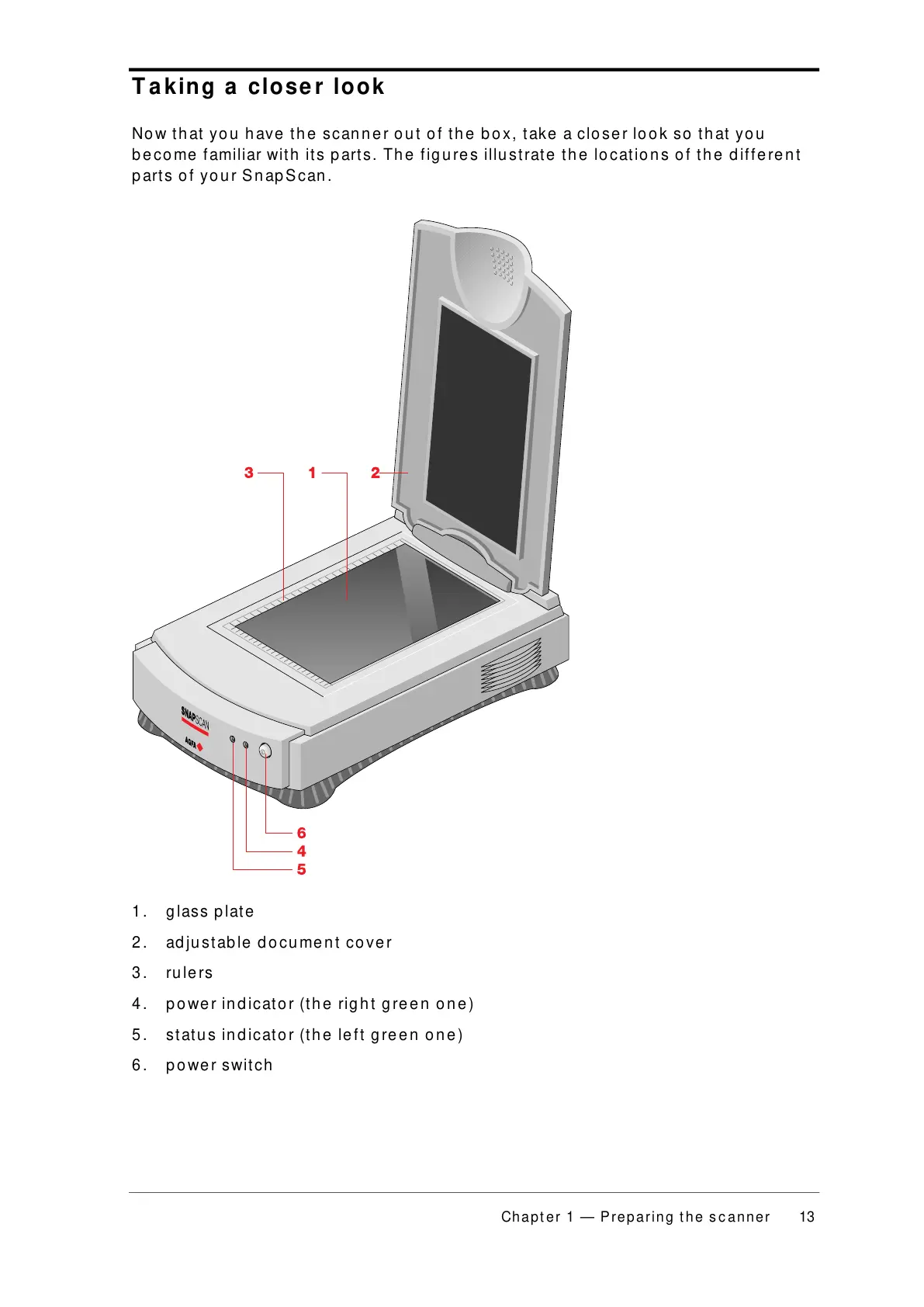
Now that you have the scanner out of the box, take a closer look so that you
become familiar with its parts. The figures illustrate the locations of the different
parts of your SnapScan.
1. glass plate
2. adjustable document cover
3. rulers
4. power indicator (the right green one)
5. status indicator (the left green one)
6. power switch



 To Next Page