Chapter 3 — Installing the scanner for the PC 27
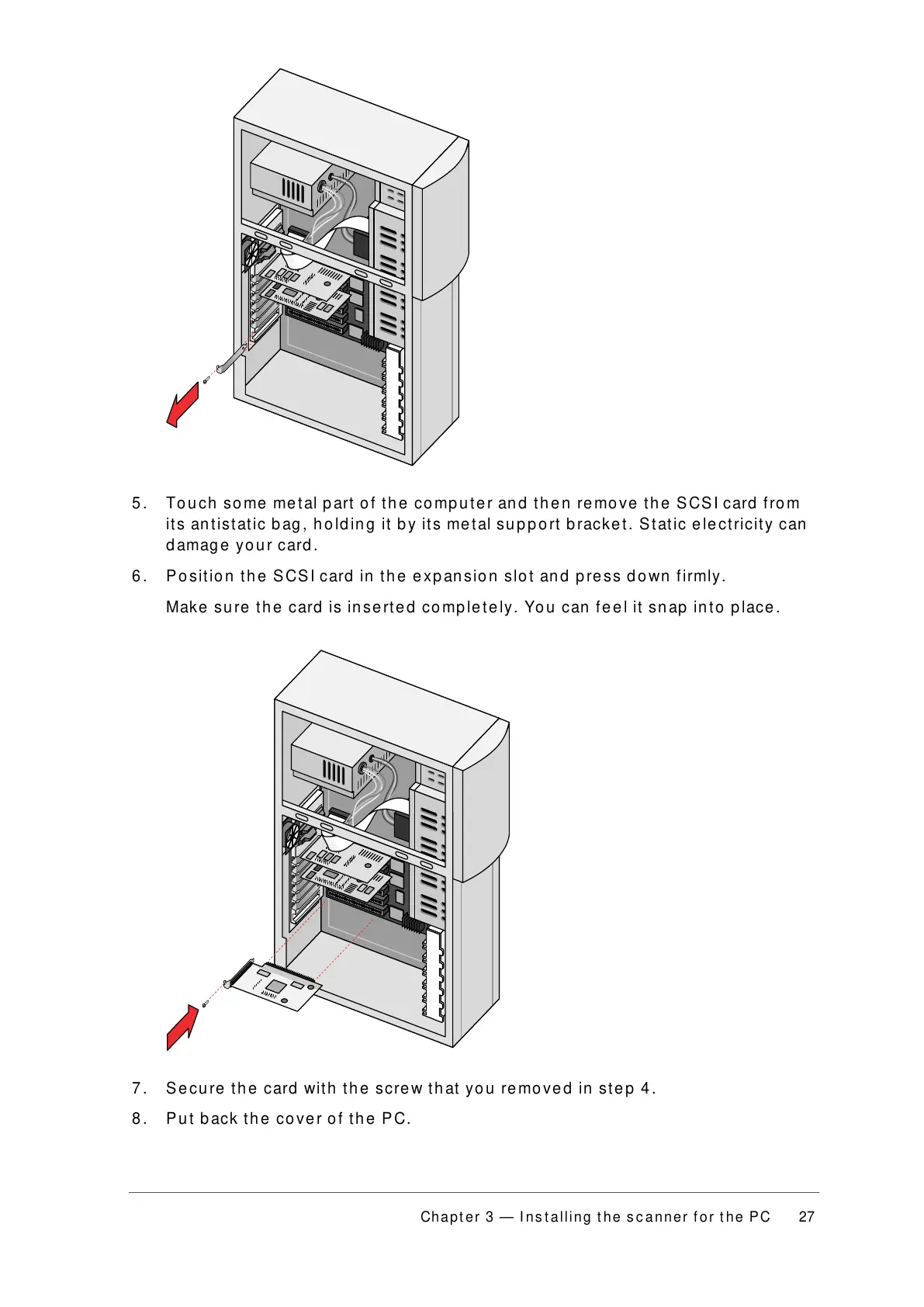
5. Touch some metal part of the computer and then remove the SCSI card from
its antistatic bag, holding it by its metal support bracket. Static electricity can
damage your card.
6. Position the SCSI card in the expansion slot and press down firmly.
Make sure the card is inserted completely. You can feel it snap into place.
7. Secure the card with the screw that you removed in step 4.
8. Put back the cover of the PC.



 To Next Page