Appendix B — Using the automatic document feeder 54
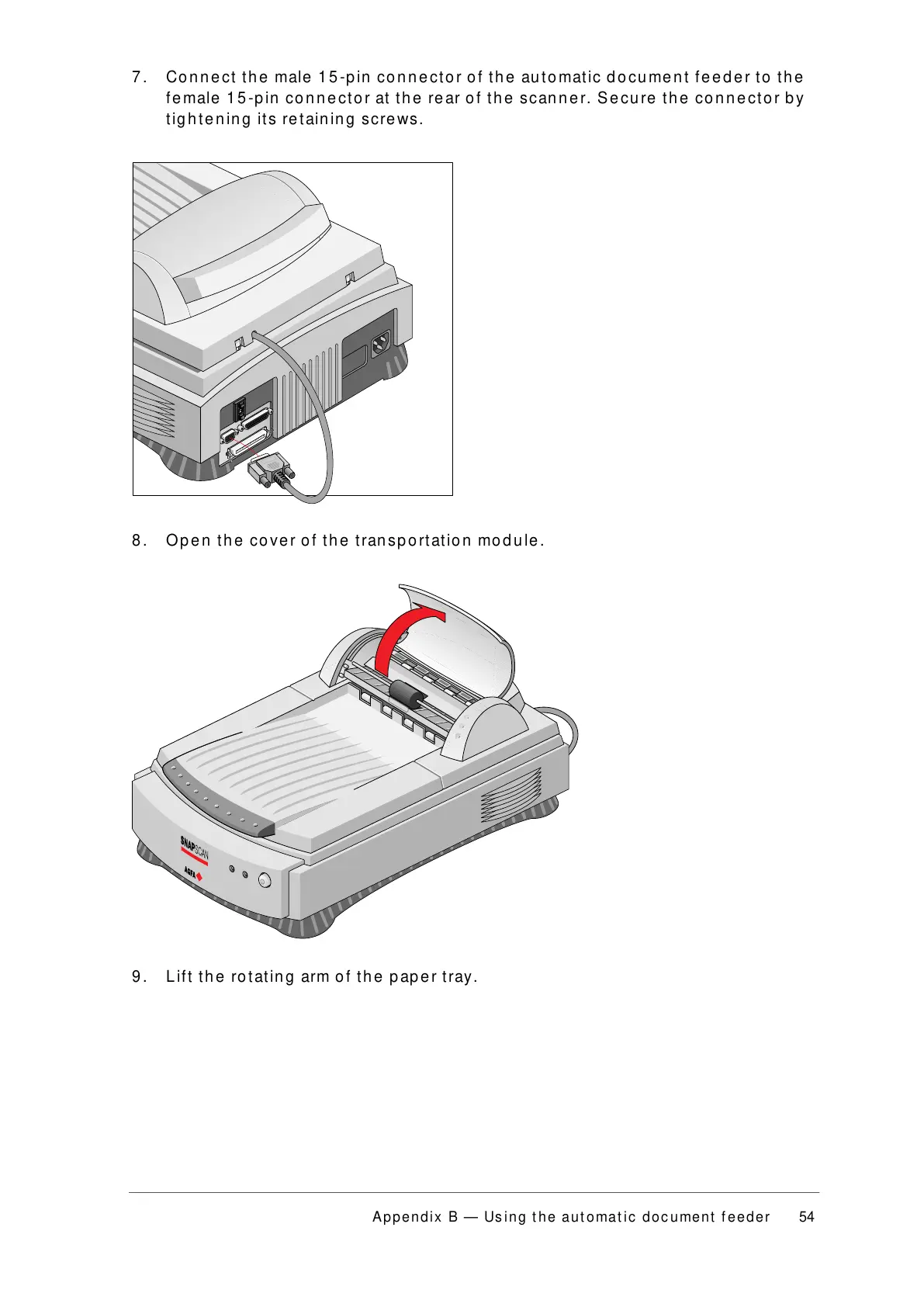
7. Connect the male 15-pin connector of the automatic document feeder to the
female 15-pin connector at the rear of the scanner. Secure the connector by
tightening its retaining screws.
8. Open the cover of the transportation module.
9. Lift the rotating arm of the paper tray.



 To Next Page