Appendix B — Using the automatic document feeder 55
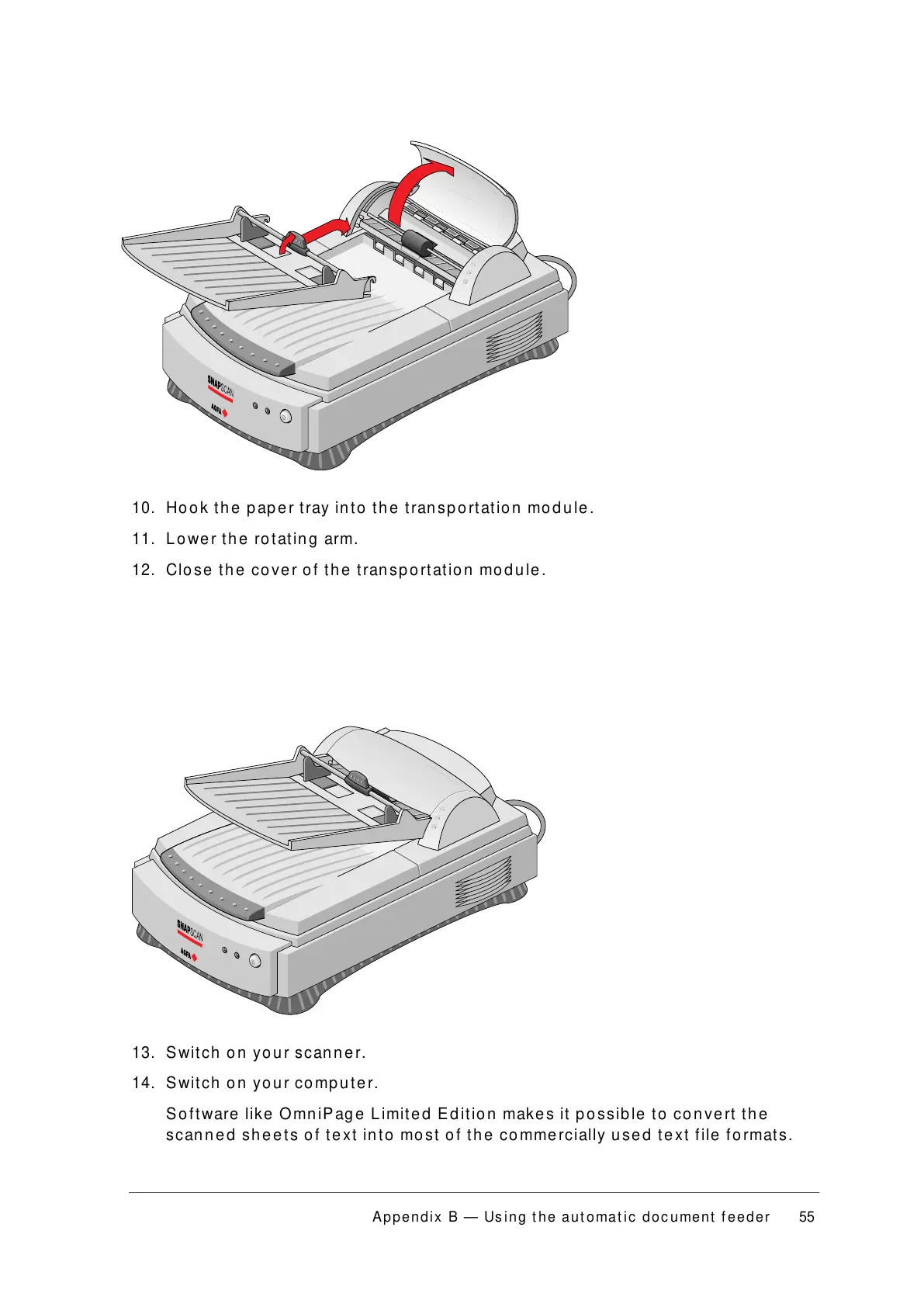
10. Hook the paper tray into the transportation module.
11. Lower the rotating arm.
12. Close the cover of the transportation module.
13. Switch on your scanner.
14. Switch on your computer.
Software like OmniPage Limited Edition makes it possible to convert the
scanned sheets of text into most of the commercially used text file formats.



 To Next Page