Chapter 1: Preparing the Scanner 12
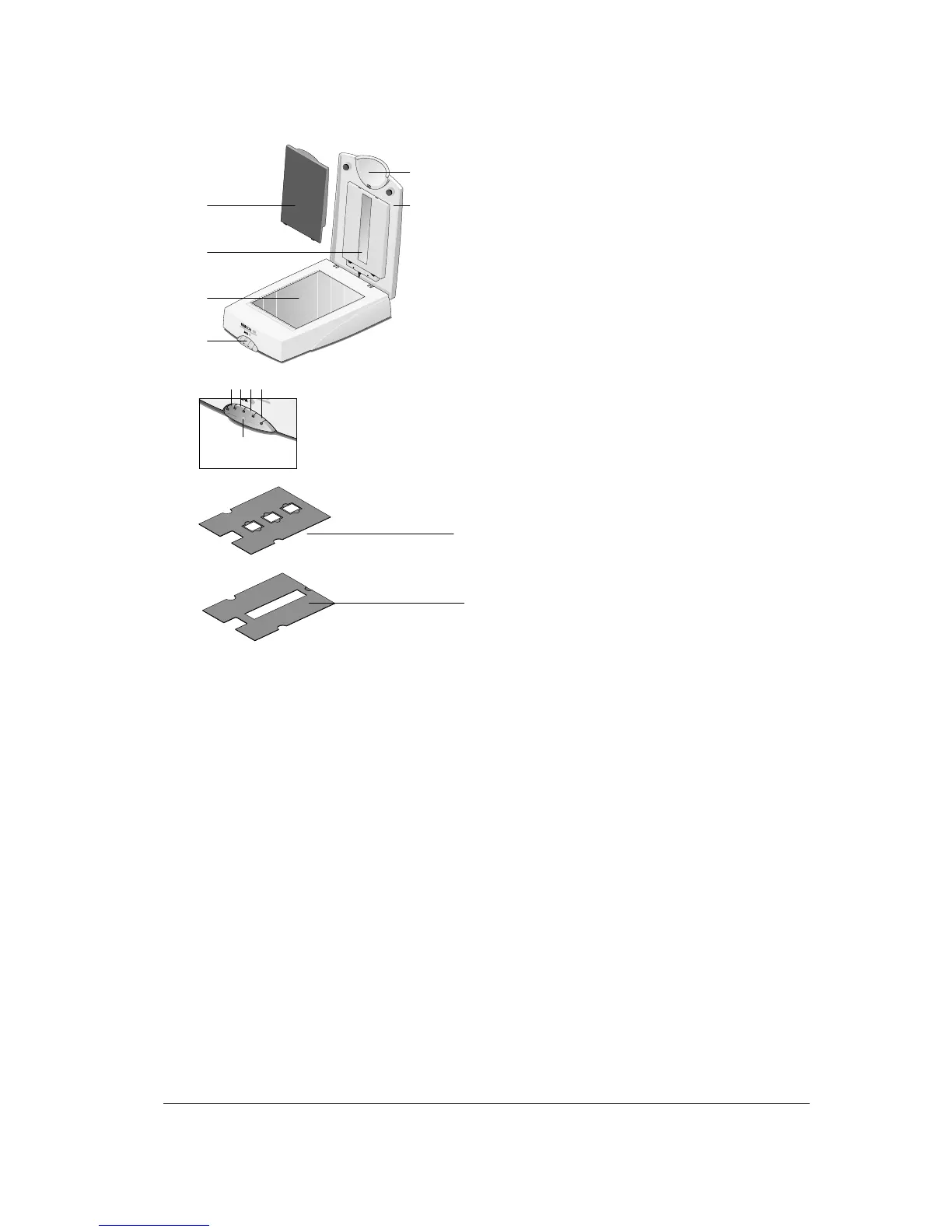
SnapScan e50:
1
4
5
3
2
6
7 8 9
10
11
1. replaceable handle
2. adjustable document cover
3. transparency lamp cover (for reflective scanning)
4. transparency module
5. glass plate
6. replaceable button cap
7. e-mail button
8. print button
9. ScanWise button
10. OCR button
11. status indicator
12. holder for scanning slides
13. holder for scanning negatives/transparencies
12
13



 To Next Page