Chapter 1: Preparing the Scanner 13
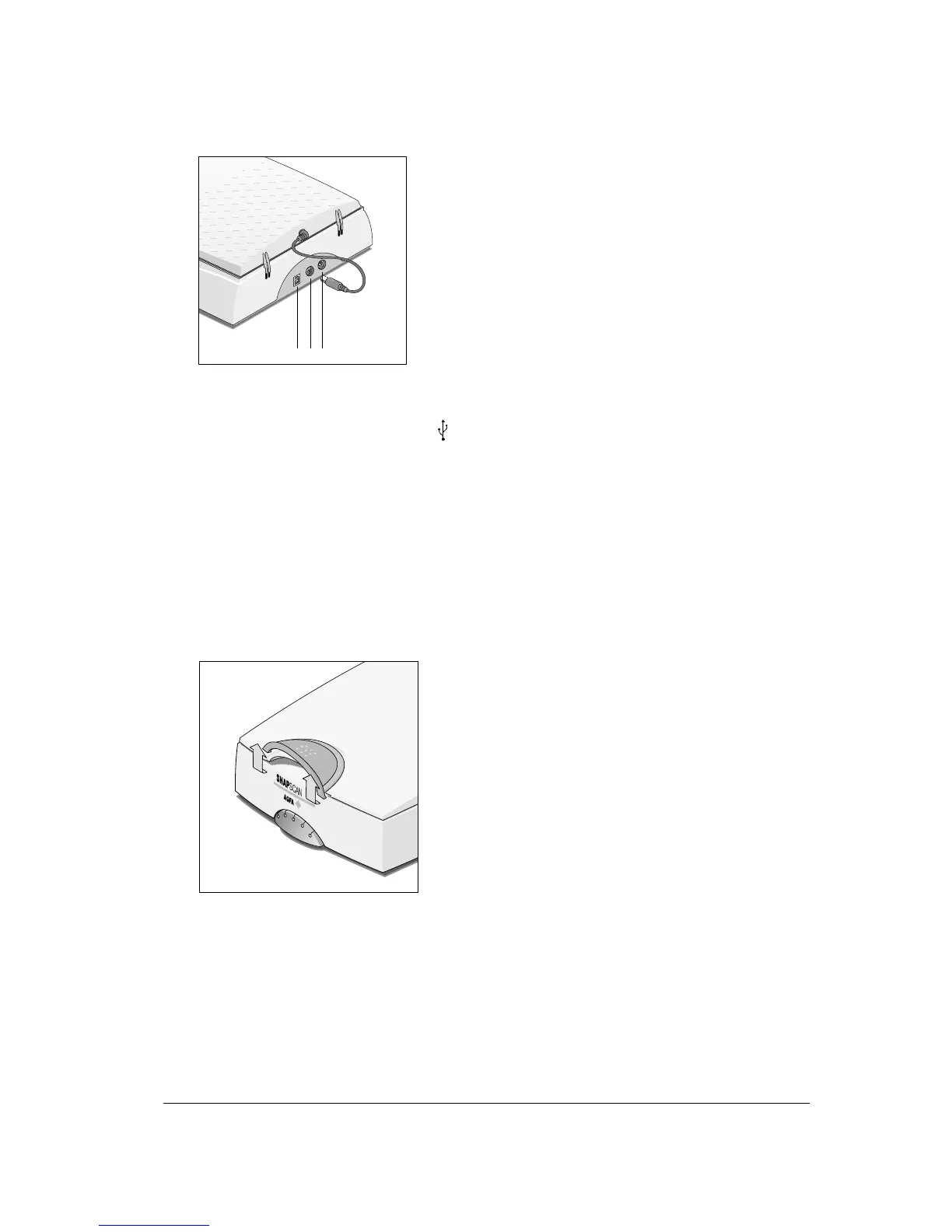
The following figure illustrates the location of the different parts at the rear of your scanner
(SnapScan e40/e50).
123
1. USB Port (labeled with the USB icon ) to make a connection to your computer
2. Transparency Module Port (SnapScan e50 only)
3. Power connector
Changing the Handle
It is possible to customize your SnapScan by changing its handle.
1
Press the two clips at the inside of the cover upwards and lift the handle.



 To Next Page