Chapter 7: Using the Transparency Module (SnapScan e50) 49
Chapter 7: Using the Transparency Module
(SnapScan e50)
To scan negatives, transparencies or slides you have to use the transparency module on your
SnapScan e50.
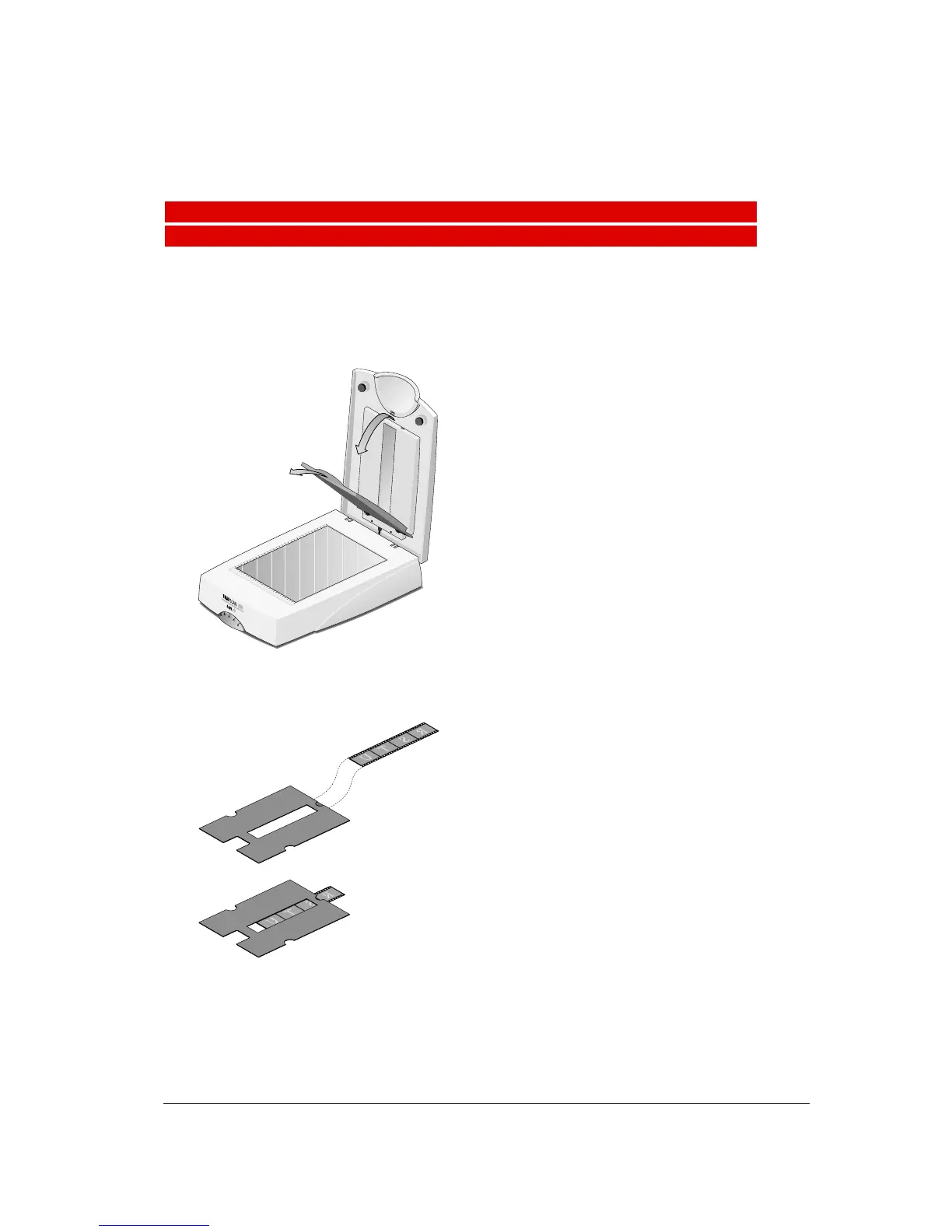
If you want to scan negatives, transparencies or slides carry out the following instructions:
1
Remove the transparency lamp cover.
2
If you scan negatives or transparencies:
1 Slide these negatives/transparencies in the holder.



 To Next Page