Chapter 5: Configuring Buttons on your Macintosh Computer (SnapScan e50) 43
Creating a New Configuration (SnapScan e50)
It is possible to create a new configuration and assign it to one of the four buttons of your SnapScan
e50. The following example will show you how this is done.
In this example we will create a new configuration and assign it to the e-mail button.
1 Open the Agfa ScanWise software.
2 Select Configure Buttons from the Tools menu.
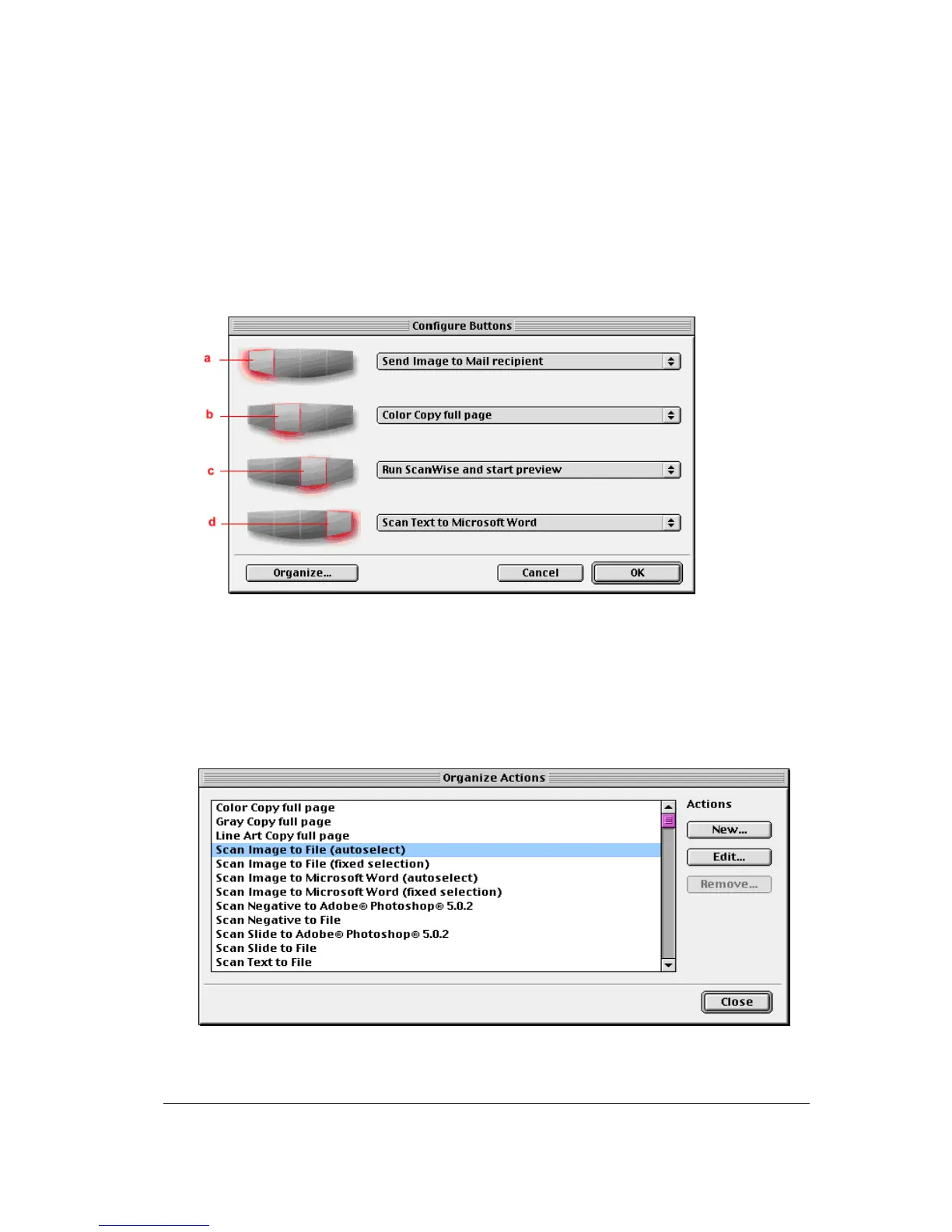
The Configure Buttons window appears.
a. e-mail button
b. print button
c. ScanWise button
d. OCR button
3 Click Organize.
The Organize Actions window appears.
The Organize Actions window displays all predefined and user defined configurations.



 To Next Page