Chapter 5: Configuring Buttons on your Macintosh Computer (SnapScan e50) 42
6
Click Save As.
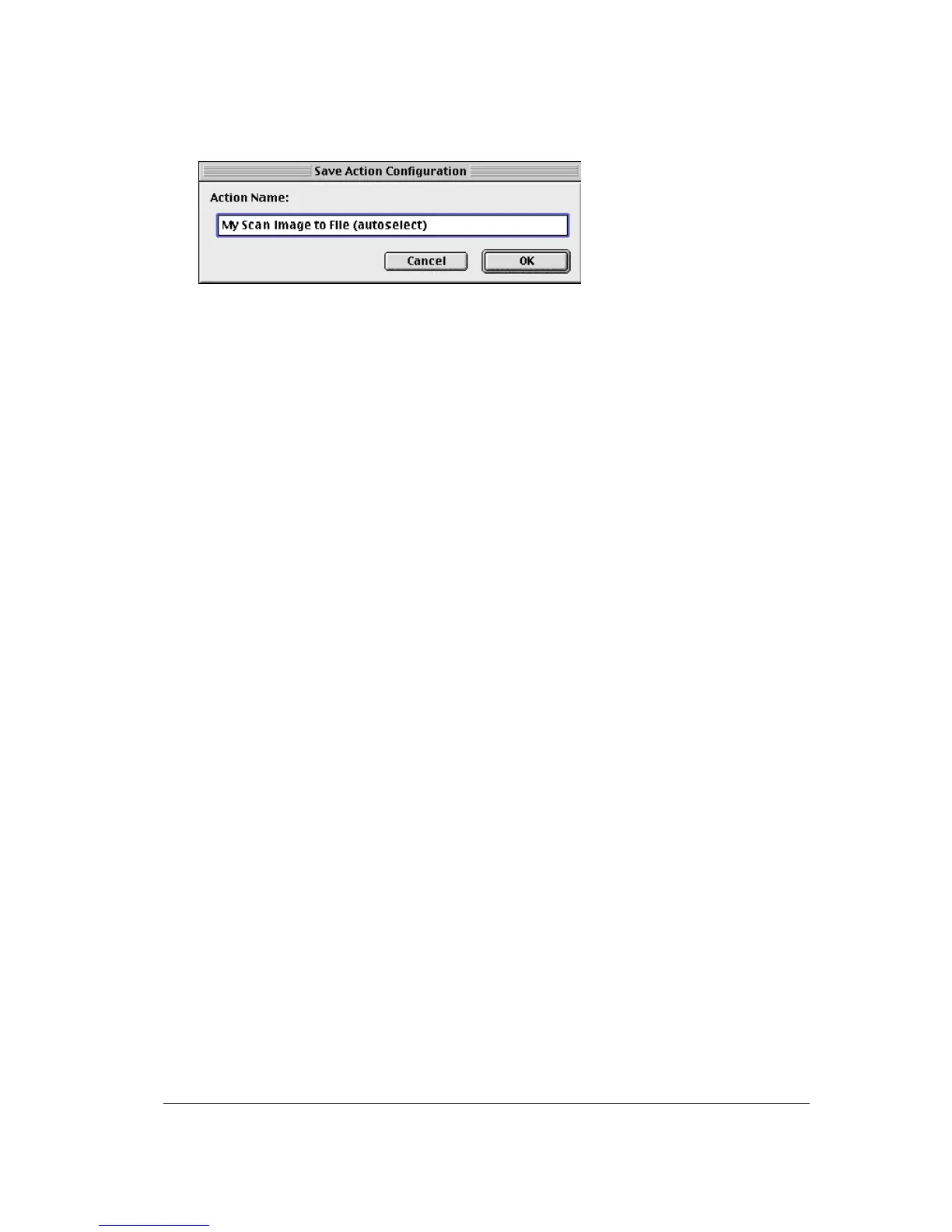
The Save Action Configuration window appears.
7
Enter the name of your configuration.
8
Click OK.
You return to the Settings For… window.
9
Click OK.
You return to the Organize Actions window and your configuration will be added to the Actions
list.
10
Click Close.
You return to the Configure Buttons window.
11
Select My Scan Image to File (autoselect) from the drop-down list next to the e-mail button.
12
Click OK.
Pushing the e-mail button will send the scanned image to a file instead of to your mail
recipient.
# Note: For low quality originals (originals that are too bright or too dark), we advice you to
select the PhotoGenie checkbox, which will enhance the colors.



 To Next Page