Chapter 2: Installing the Scanner for PC 19
Installing the Scanner Software
1
Insert the Agfa ScanWise CD-ROM in your CD-ROM drive.
# Note: If the ScanWise Installer program does not appear automatically, carry out the
following instructions:
1 Double-click My computer.
2 Double-click the CD-ROM drive.
3 Double-click Setup.exe.
2
Click the up or down arrow to select your language.
This selection determines the language of the ScanWise software and documentation.
3
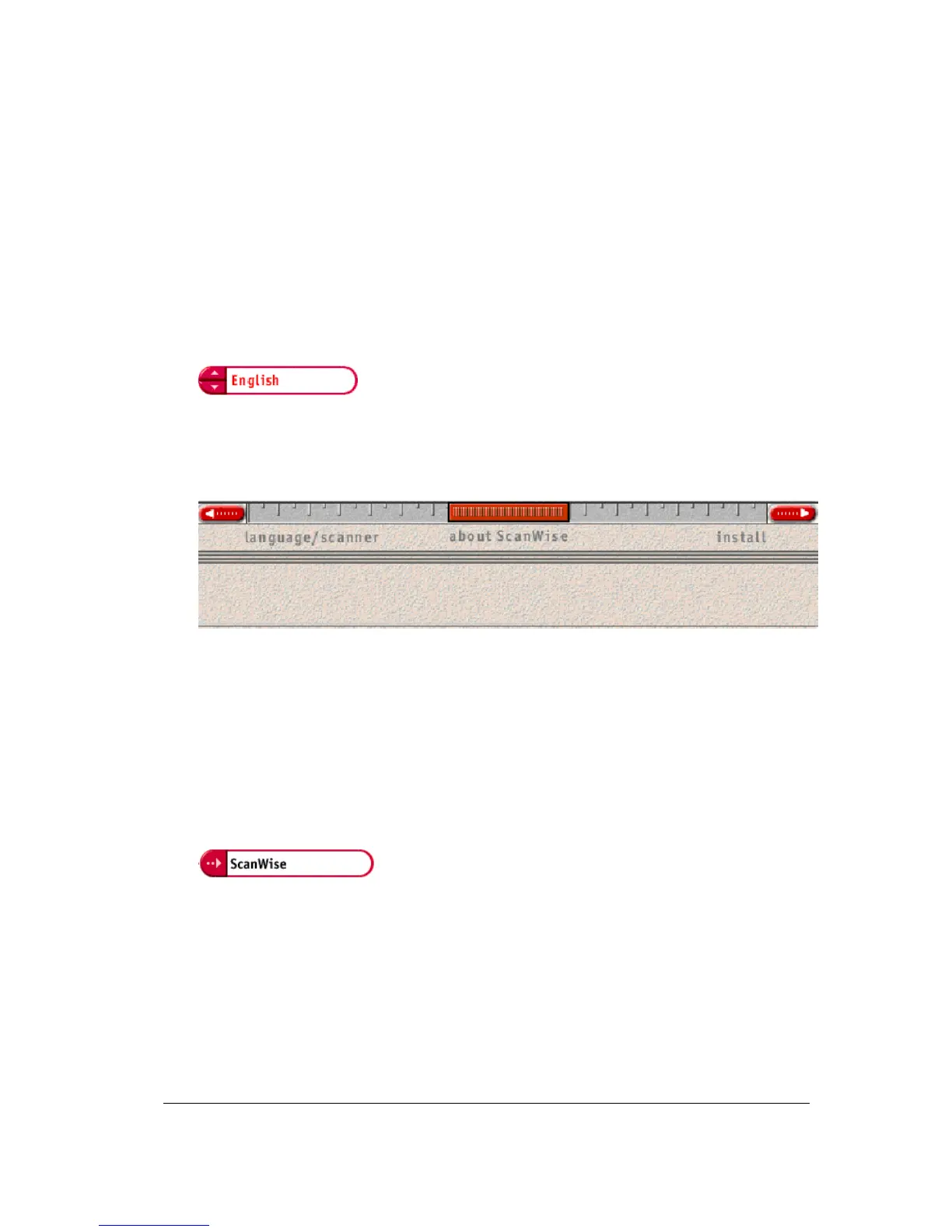
Click the up or down arrow to select your type of scanner (if needed).
4
Click the dotted right arrow or move the slider to about ScanWise.
A demonstration of ScanWise will start.
5
Click the dotted right arrow or move the slider to Install.
6
Click Acrobat Reader to start the installation.
You need Acrobat Reader to read the documentation.
7
Follow the instructions on your screen.
When the installation is finished, the Install screen appears again.
8
Click ScanWise to start the Installation.
9
Follow the instructions on your screen.
# Note: During installation the Register ScanWise window appears. You can choose to
register now or later.
$
Register now: If you choose to register now, the Agfa webpage opens. Here you can
register on line.
$
Register later: If you choose to register later, you can register afterwards via
Start/Programs/Agfa ScanWise/Register ScanWise.



 To Next Page