Chapter 1: Preparing the Scanner 15
Changing the Button Cap (SnapScan e50)
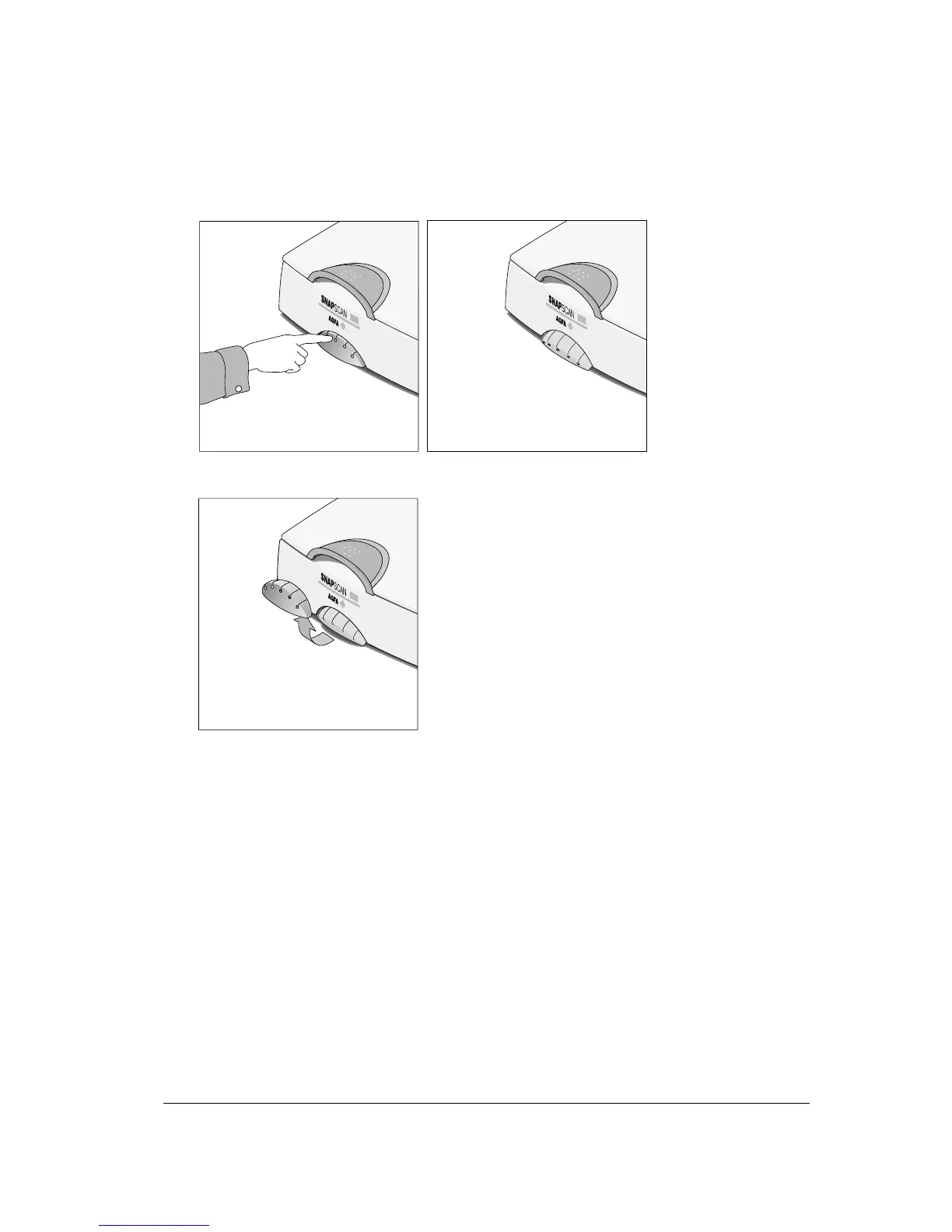
It is possible to customize your SnapScan e50 by changing the button cap.
1
Open the button panel by pushing the button cap.
2
Remove the button cap by lifting it at the underside and sliding it out of its lip.
# Note: Do not remove the button cap while the button panel is still closed.



 To Next Page