Chapter 3: Configuring Buttons on your PC (SnapScan e50) 31
10
Select My configuration from the drop-down list next to the e-mail button.
11
Click OK.
The e-mail button is configured with your personal settings.
Modifying the ScanWise Settings (SnapScan e50)
There are several options to edit an existing configuration or to create a new one.
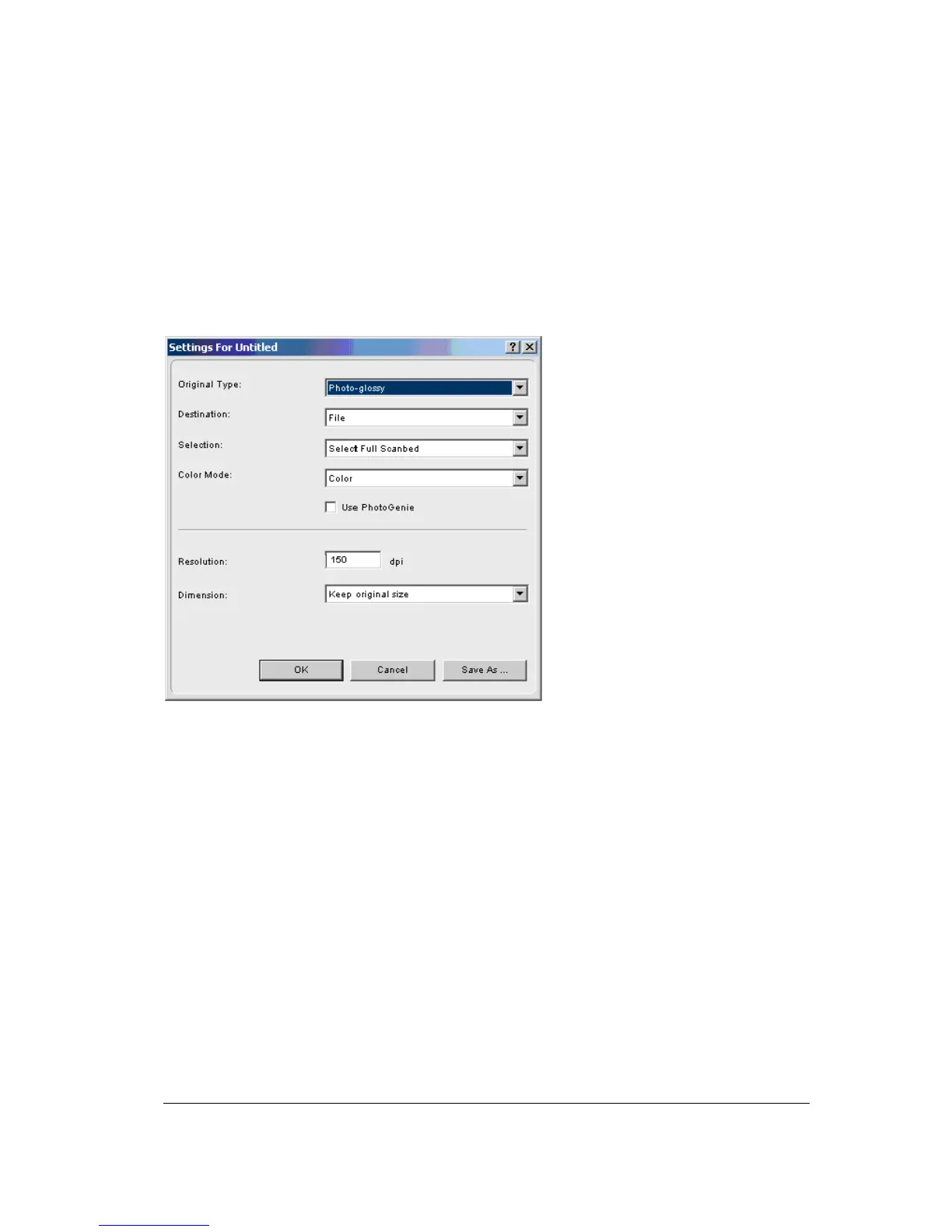
In the Settings For ... window following options are available:
" Original Type, Destination, Selection and Color Mode: These options can be changed using
the different drop-down menus.
" Use PhotoGenie: Select the checkbox Use PhotoGenie if you want to activate
the PhotoGenie
software that will enhance both color and detail of your scanned image in case it is too bright or
too dark.
" Resolution: The resolution depends on the destination. If you select your printer as a
destination, the resolution of your printer destination will be shown in the resolution box.



 To Next Page