Chapter 4: Installing the Scanner for Macintosh 36
# Note: For the latest information consult the ScanWise Read Me File.
When the installation is finished you are ready to connect your scanner to your Macintosh
computer.
Connecting the Scanner to the Macintosh
Computer
Caution
: For your safety, use the adapter that comes with this product. Do not use any substitute.
Misuse of the power adapter can cause serious damage to the product and a safety hazard while
using it.
# Note: Check if the AC Adapter complies with your local power supply.
# Note: Make sure the scanner is unlocked (see Unlocking the Scanner) before connecting it to
the electric outlet.
1
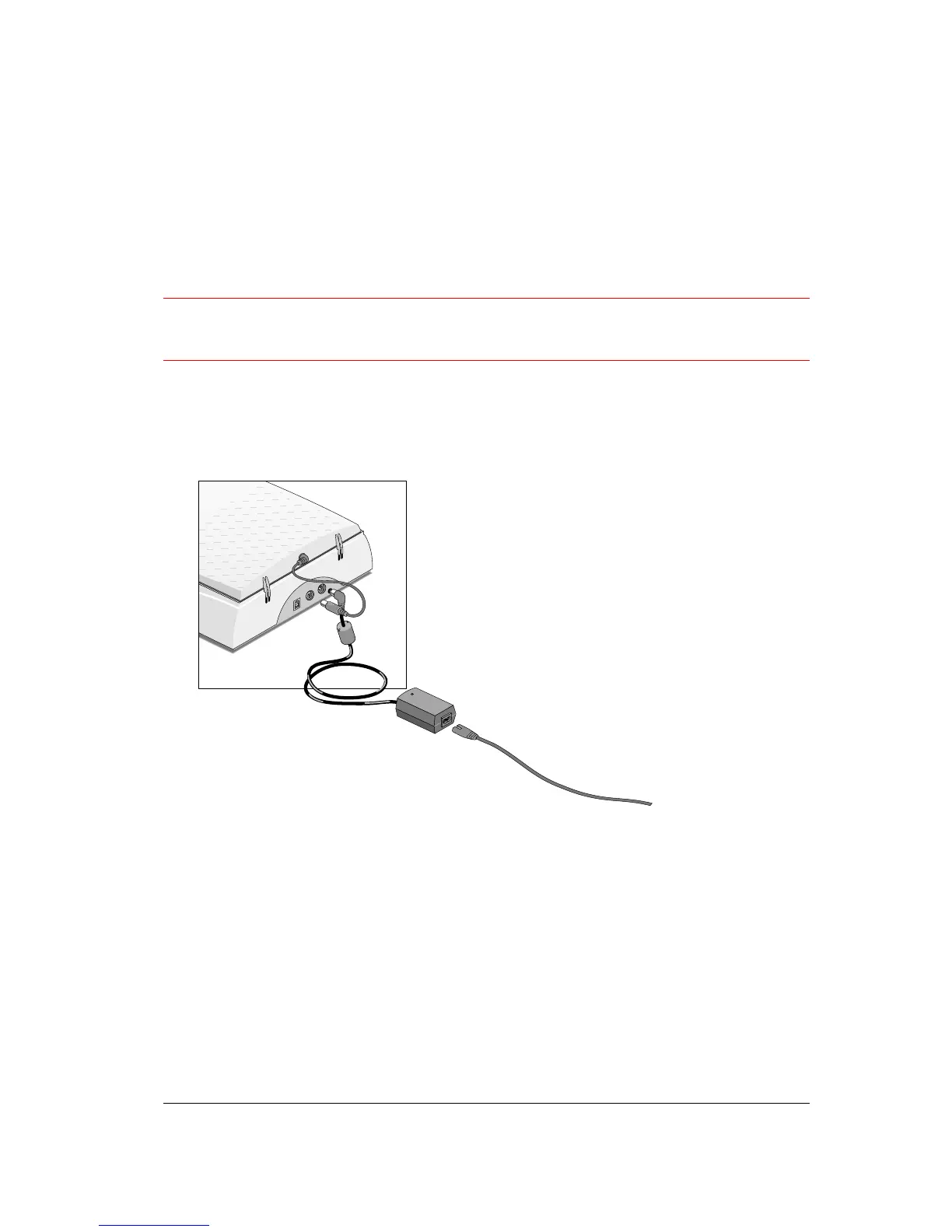
Connect the plug of the AC adapter to your scanner.



 To Next Page