Chapter 5: Configuring Buttons on your Macintosh Computer (SnapScan e50) 41
3 Click Organize.
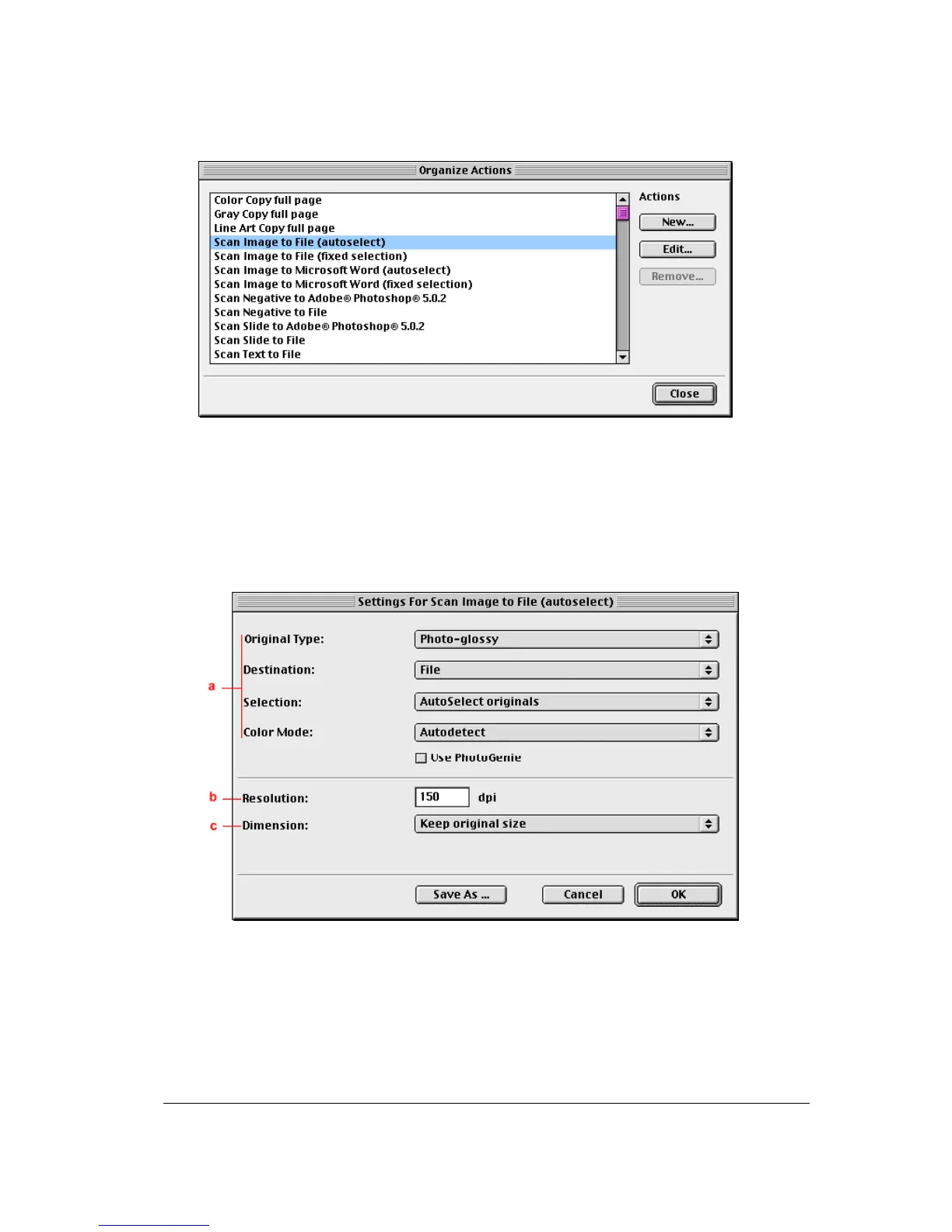
The Organize Actions window appears.
The Organize Actions window displays all predefined and user defined configurations.
Note: Remove will be enabled when a user defined action is selected. The default actions
cannot be removed.
4 Select Scan Image to File (autoselect).
5 Click Edit to modify the selected configuration.
The Settings For... window appears.
a. All predefined settings are available via the different drop-down menus.
b. The resolution depends on the choice of destination.
c. The output dimensions can be managed via the Dimension drop-down list.
Note: There are several options to edit the existing configuration. For more information see
Modifying the ScanWise Settings.



 To Next Page