Chapter 5: Configuring Buttons on your Macintosh Computer (SnapScan e50) 46
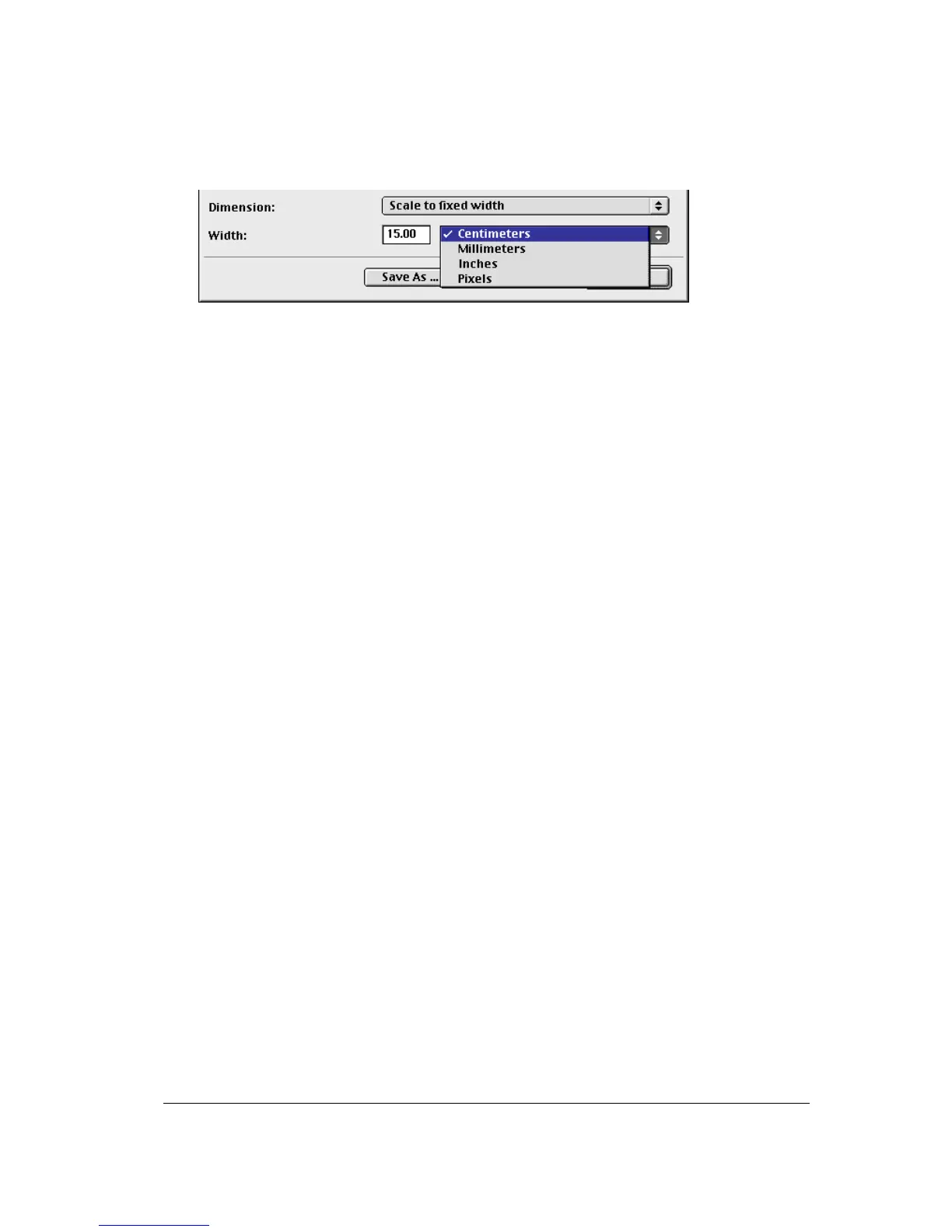
" Dimension: If you want a specified output range, click the Dimension drop-down list. A list of
additional options will appear. Select the dimension (width or height) you want to specify. Enter
the desired range and select the correct unit from the popup list. The Keep original size
selection will keep the original size of the image.



 To Next Page