EN-15
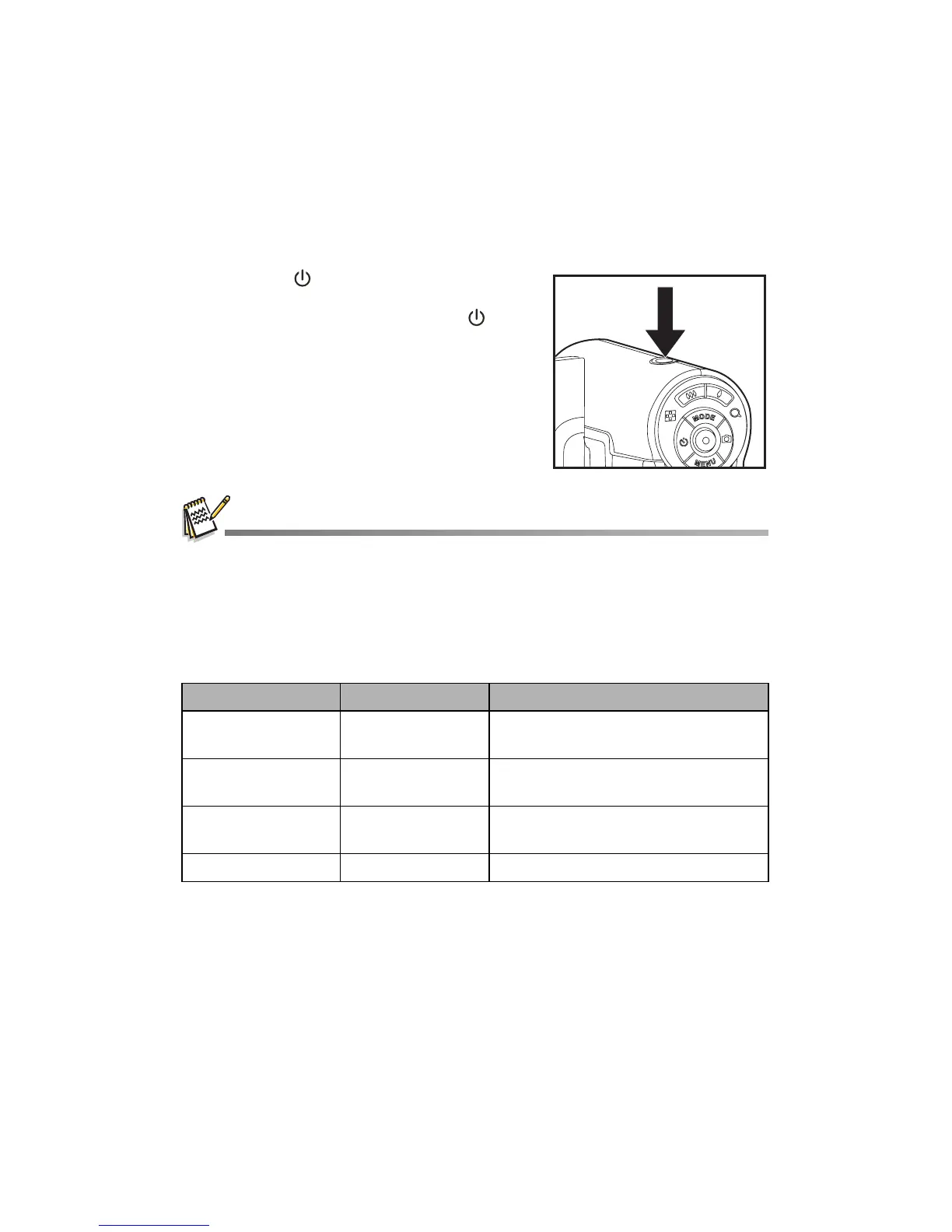
Turning the Power On/Off
Load the batteries and insert an SD/SDHC memory card before starting.
Press the button until the digital
video camera turns on.
To turn the power off, press the
button again.
The power is turned off automatically when the digital video camera has not been operated for a
defined period of time. To resume operation, turn the power on again. Refer to section in this
manual titled “Power Off” in the Setup Menu for further details.
LED Indicators
Indicators State Description/Activity
LED indicator Solid green The digital video camera is powering
up.
LED indicator Solid green The digital video camera is ready to
record images (or videos).
LED indicator Solid green USB communication/transfer is in
progress.
LED indicator Blinking green Reading/Writing files.



 To Next Page