EN-26
Slide Show Display
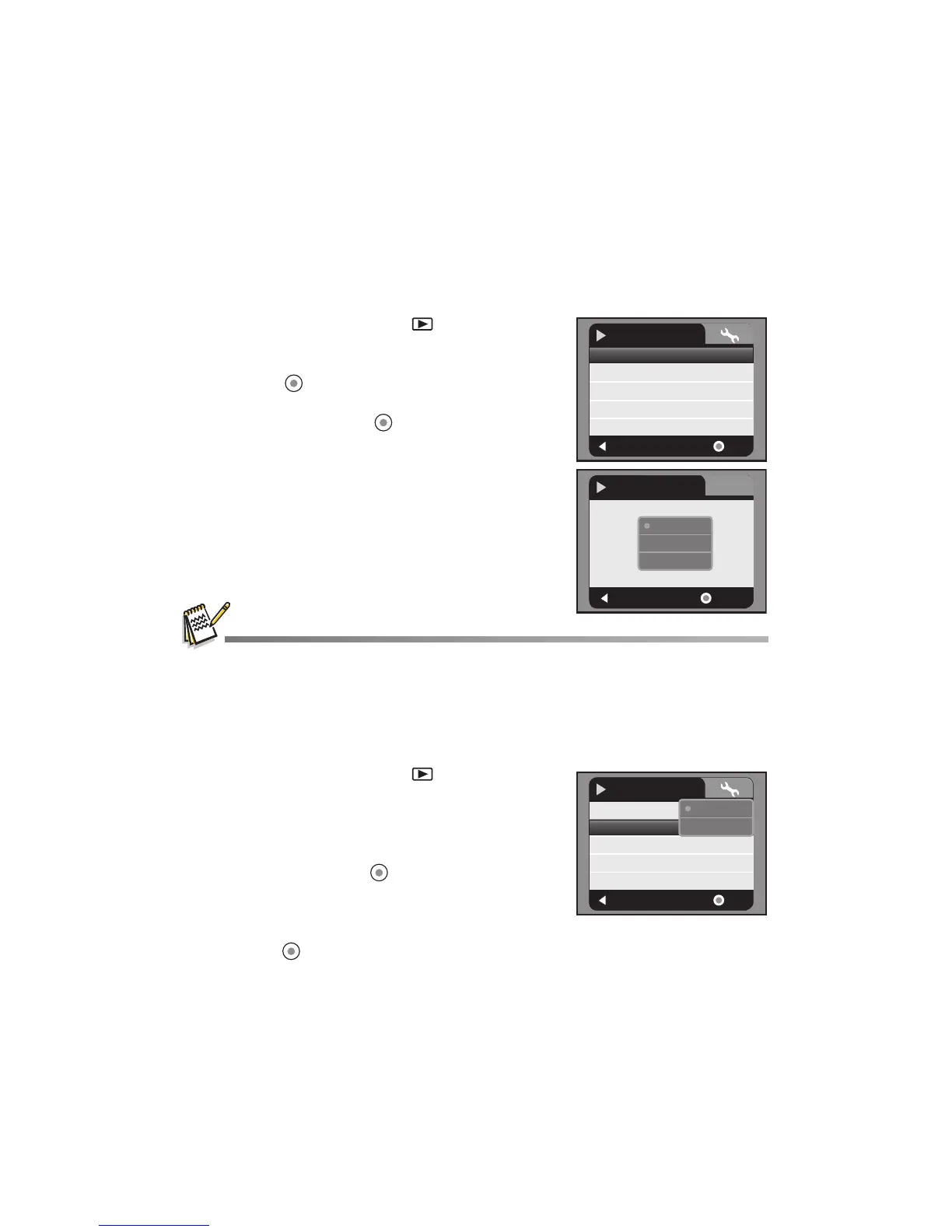
The slideshow function enables you to play back your still images automatically in
sequential order as a slideshow. This is a very useful and entertaining feature for
reviewing captured images and for presentations.
1. Press the MODE button until is displayed.
2. Press the MENU button.
3. Select [Slide Show] with the c / d buttons and
press the button.
4. Select the desired interval time with the c / d
buttons, and press the button.
The slide show starts.
To stop the slideshow during playback, press
the T button.
Video clips are displayed as images and will not be played back.
Delete File
1. Press the MODE button until is displayed.
2. Select the file you wish to delete with the e / f
buttons.
3. Press the MENU button.
4. Select [Delete File] or [Delete All] with the c / d
buttons and press the button.
[Delete File]: Deletes the current file.
[Delete All]: Deletes all files.
5. Select [Yes] to delete. Select [No] to cancel.
6. Press the button to confirm.
:
Exit
:
Slide Show
Delete File
Delete All
Protect
Sound
No
Next Menu
Single
5
OK
Play
Next Menu
:
Exit
:
OK
Slide Show
5sec.
7sec.
9sec.
:
Exit
:
Slide Show
Delete File
Delete All
Protect
Next Menu
Single
OK
Play
No
Yes
Sound
5



 To Next Page