EN-18
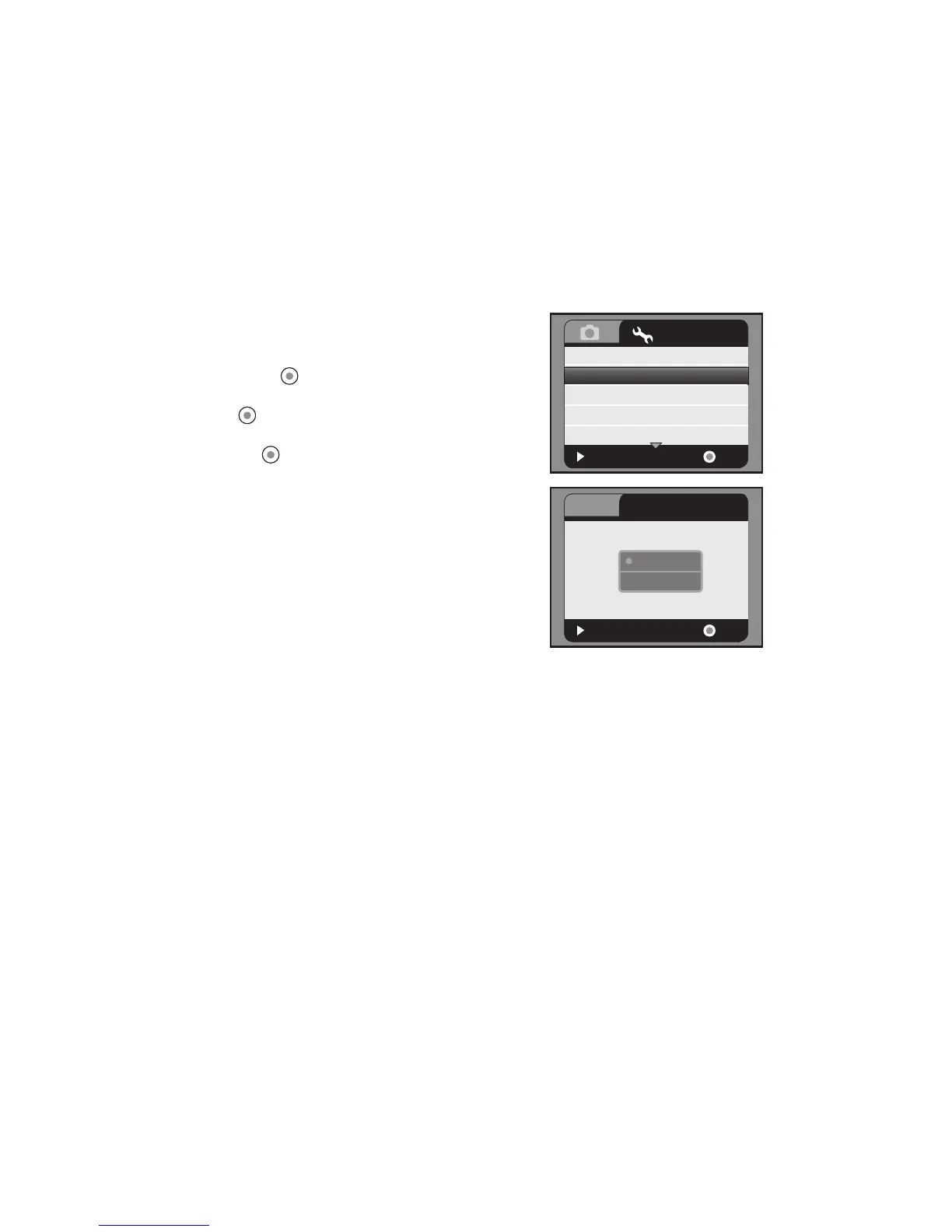
Formatting the Memory Card
This utility formats the SD/SDHC memory card and deletes all stored images, video
clips, and data.
1. Press the MENU button.
2. Select [Setup] menu with the f button.
3. Select [Format] with the c / d buttons, and
press the button.
4. Select [Yes] with the c / d buttons, and press
the button.
To cancel formatting, select [No] and press
the button.
:
Exit
:
Language
Format
LCD Bright.
Light Freq.
Date / Time
English
Next Menu
0
50Hz
OK
Setup
Next Menu
:
Exit
:
Format Card?
OK
Format
No
Yes



 To Next Page