EN-19
CAPTURE MODE
Your digital video camera is equipped with a 2.36" TFT-LCD monitor to help you cap-
ture/playback images and video clips or adjust menu settings.
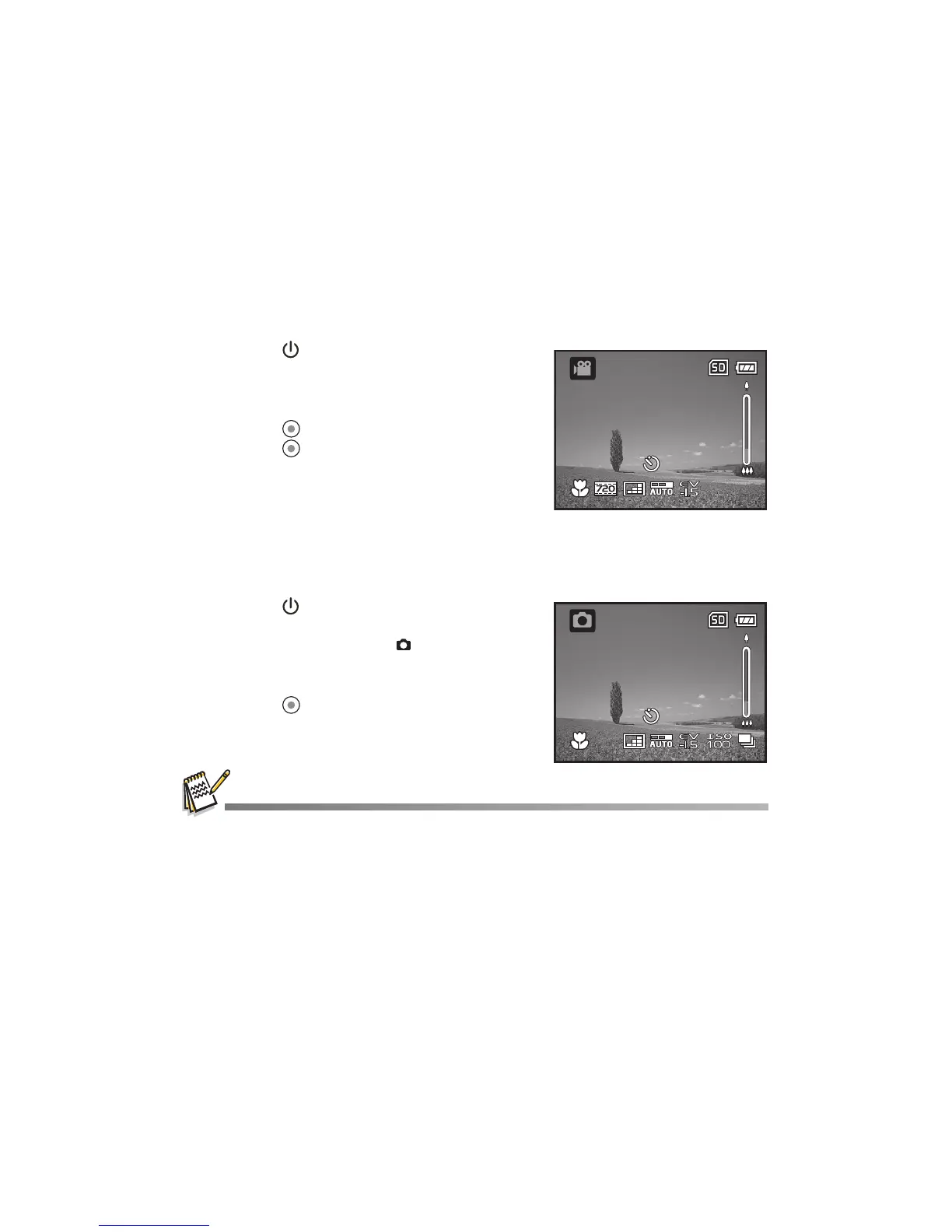
Recording Video Clips
1. Press the button until the digital video
camera turns on.
The default mode is Video Mode.
2. Compose the image on the LCD monitor.
3. Press the button to start recording.
4. Press the button again to stop recording.
The recording time depends on the storage
media size and the subject to be recorded.
Capturing Still Images
1. Press the button until the digital video
camera turns on.
2. Press the MODE button or button (camera
mode quick key) to enter Capture Mode.
3. Compose the image on the LCD monitor.
4. Press the button to capture the image.
If the access speed of your SD/SDHC memory card is not fast enough for recording video clips
in the currently selected size, the recording will stop. In this case, select a video quality lower
than the current one.
00:02:05



 To Next Page