EN-23
Playing Back Still Images
1. Press the MODE button until is displayed.
The last recorded image/video clip appears
on the LCD monitor.
2. Select the desired image with the e / f
buttons.
3. The images can be displayed in reverse or
forward sequence with the e / f buttons.
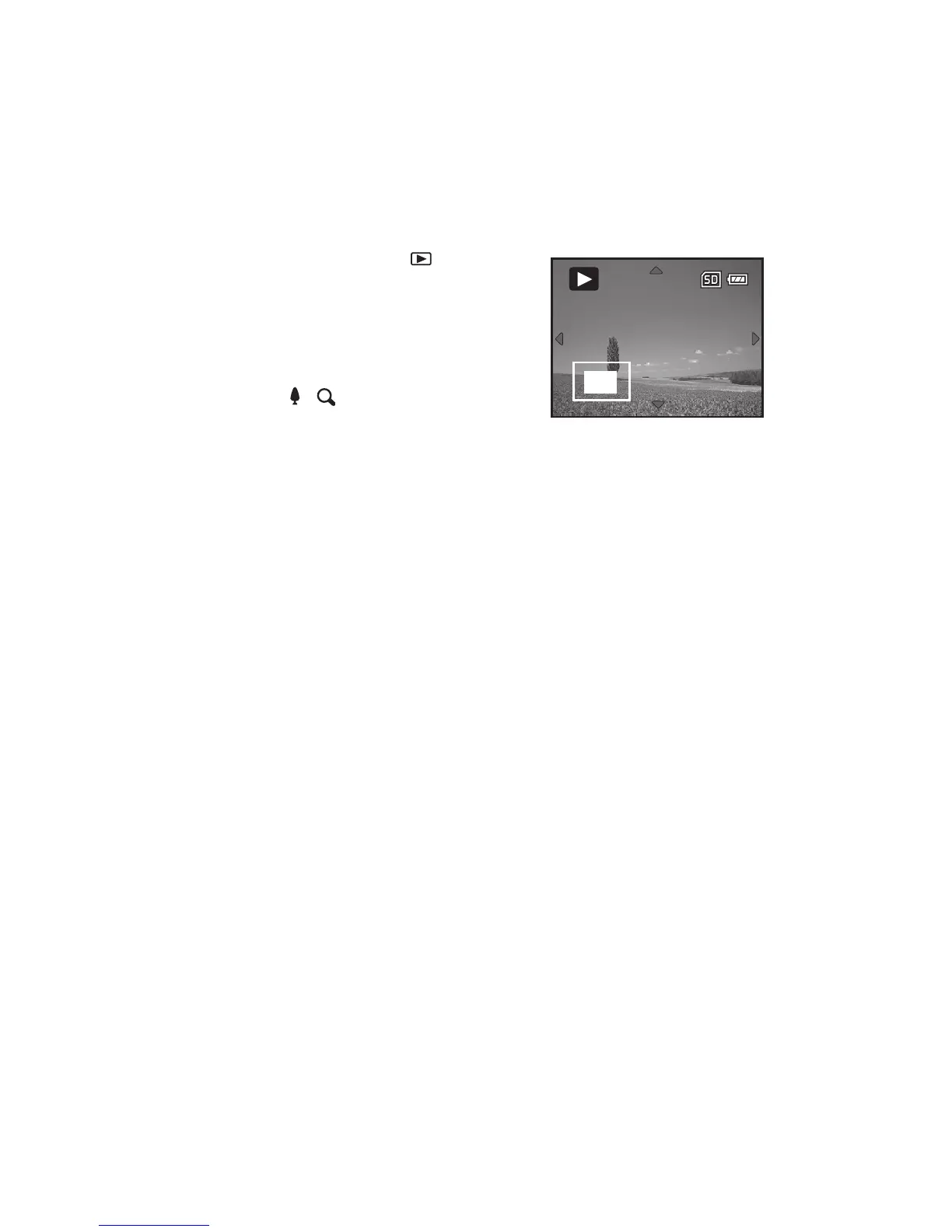
4. Press the / button to adjust the zoom
ratio. The magnification factor is displayed on
the LCD monitor.
5. To view different portion of the images, press
the c / d / e / f button to adjust the display
area.
2X



 To Next Page