EN-28
AUDIO MODE
Recording Audio Files
The digital video camera enables you to record and playback audio files anytime and
anywhere.
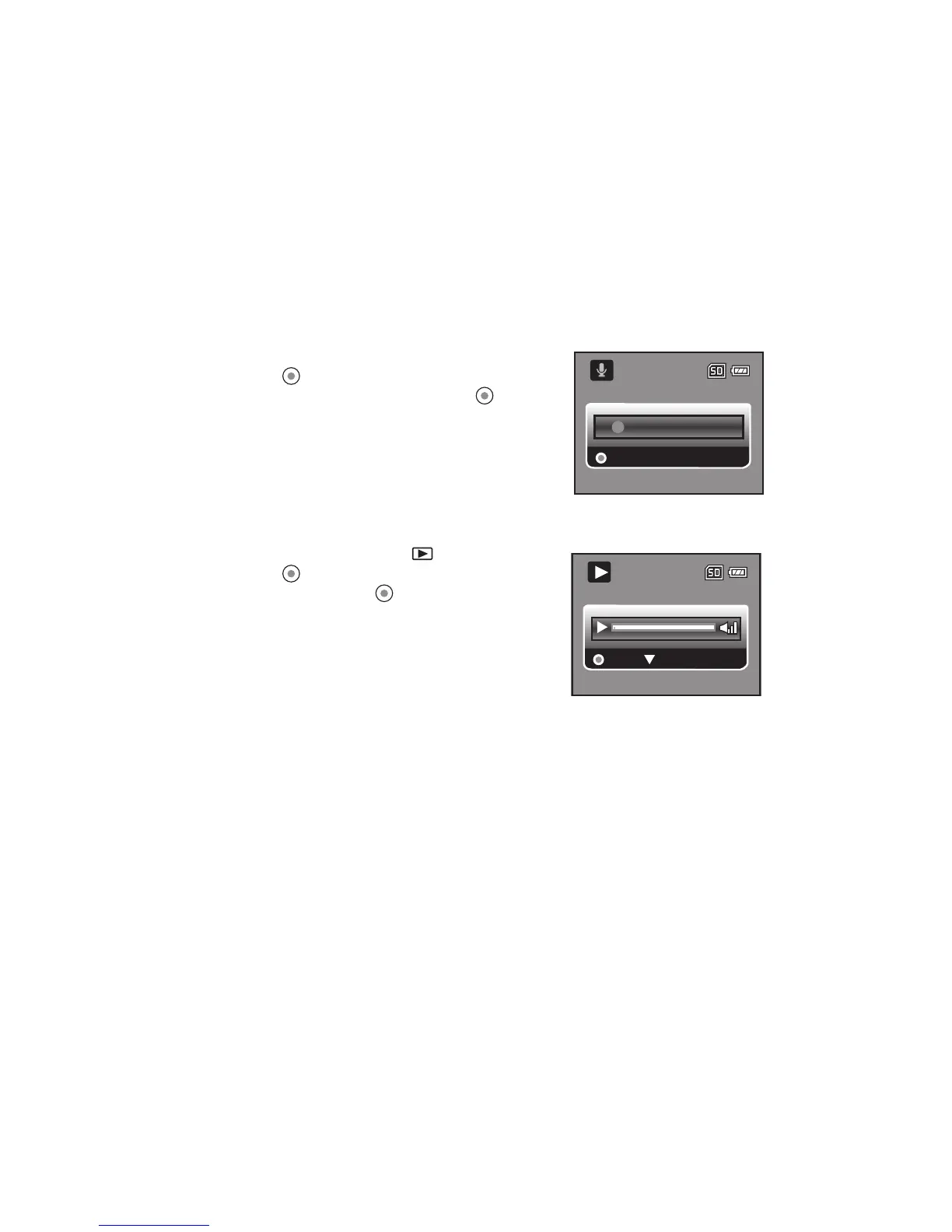
1. Press the MODE button to enter Audio Mode.
2. Press the button to start audio recording.
To pause recording, press the button
again.
To stop recording, press the T button.
Playing Back Audio Files
1. Press the MODE button until is displayed.
2. Press the button to begin playback.
To pause, press the button again.
To stop playback, press the T button.
Stop
00:03:06
Pause
00:00:00



 To Next Page