EN-22
PLAYBACK MODE
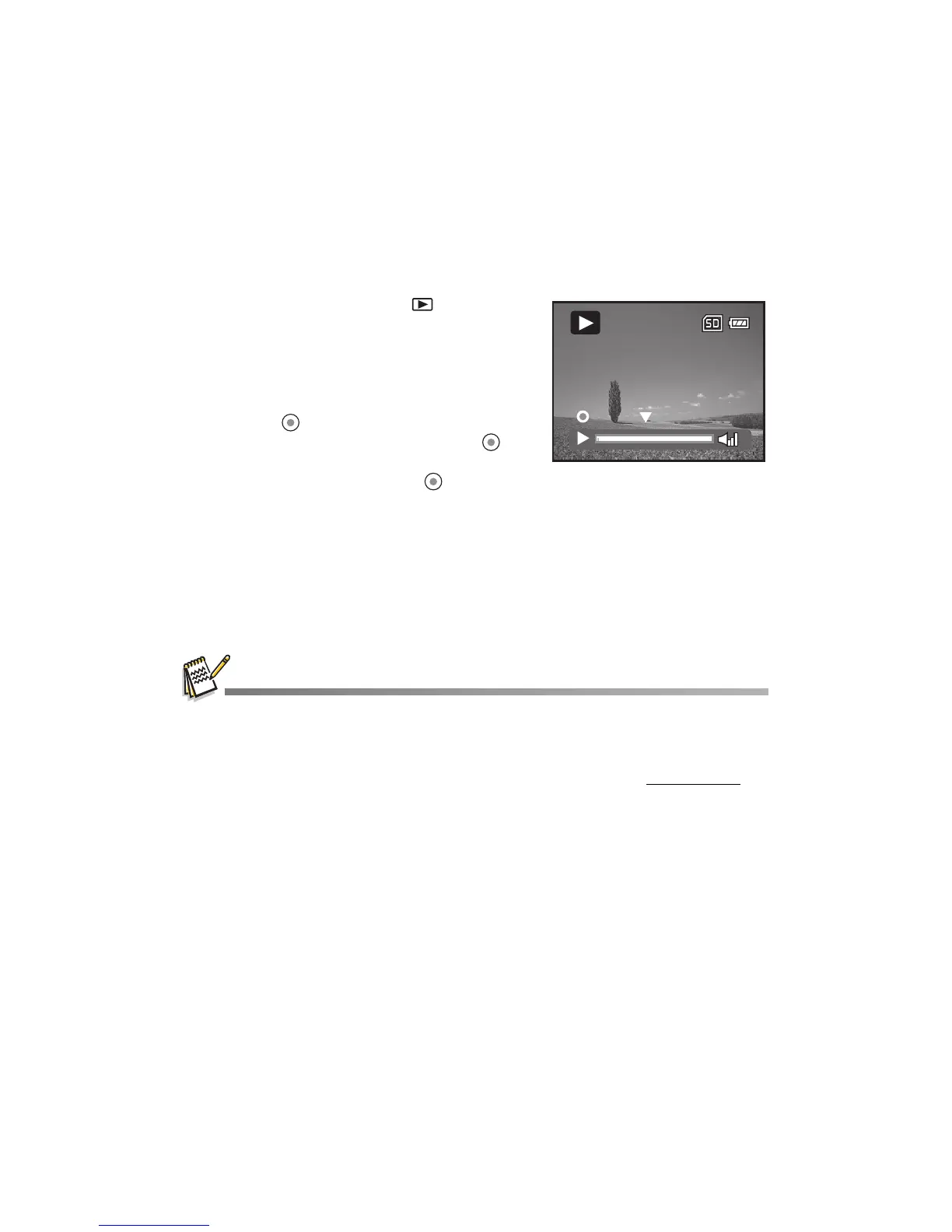
Playing Back Video Clips
1. Press the MODE button until is
displayed.
The last recorded image/video clip
appears on the LCD monitor.
2. Select the desired video clip with the e / f
buttons.
3. Press the button to start video playback.
To pause video playback, press the
button.
To cancel pause, press the button
again.
4. To stop video playback, press the d button
and return to the start of the video clip.
Video clips cannot be displayed rotated or enlarged.
To play back video clips on your computer, you may use Windows Media Player 9 with
additional H.264 Codec (H.264 Codec is free on the Internet) or Quick Time basic player (7.0 or
above version).
QuickTime basic player is available free of charge, compatible with Mac and
Windows-computers and can be downloaded from the Apple web site at www.apple.com
. For
helps on using QuickTime Player, please refer to the QuickTime on-line help for more
information.
Pause
101-0001
00:00:00



 To Next Page