EN-33
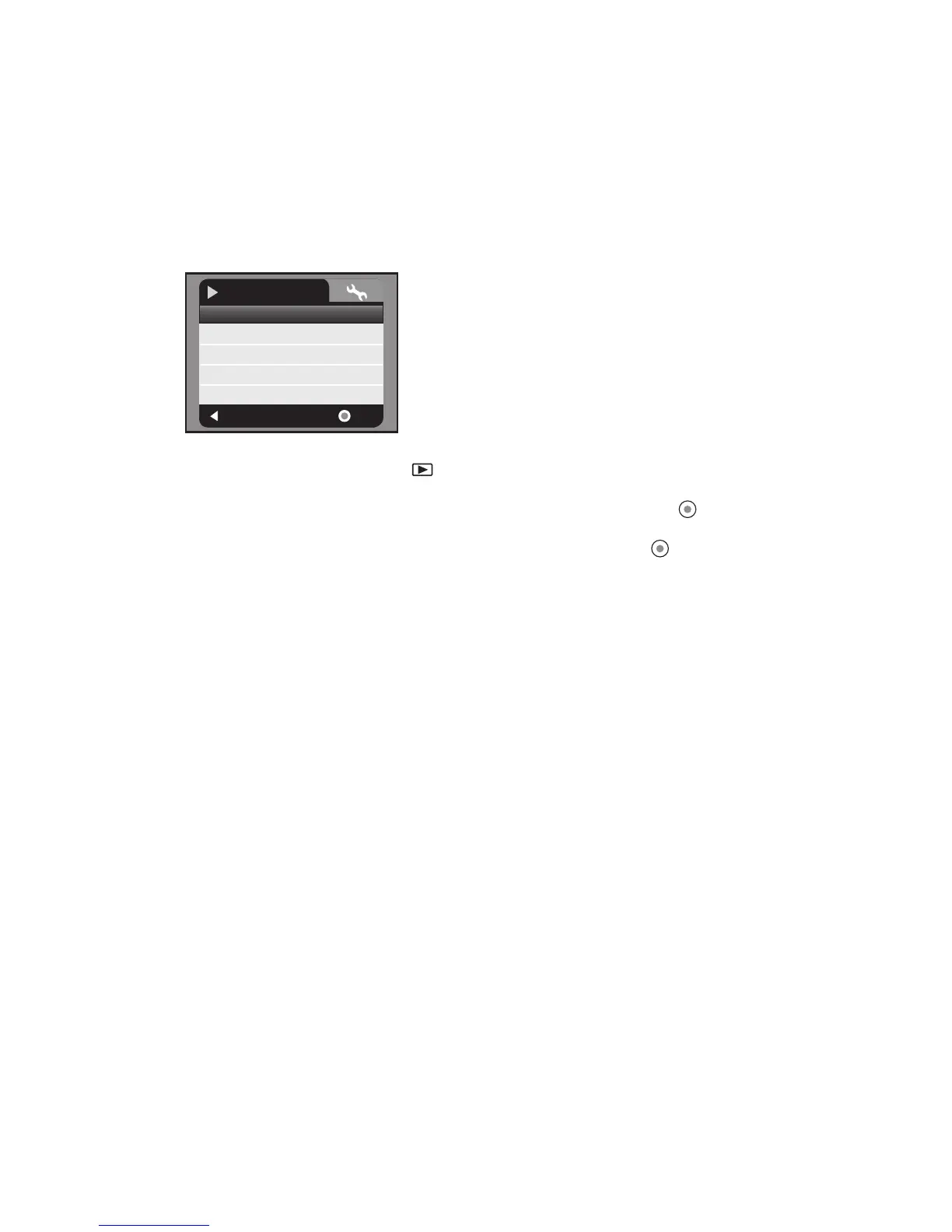
Playback Menu
In this menu, choose which settings are to be used for still image/video clip playback.
1. Press the MODE button until is displayed.
2. Press the MENU button.
3. Select the desired option item with the c / d buttons, and press the button to
enter its respective menu.
4. Select the desired setting with the c / d buttons, and press the button.
5. To exit from the menu, press the e button.
Slide Show
Refer to section in this manual titled “Slideshow Display” for further details.
Delete File
Refer to section in this manual titled “Deleting Still Images/Video Clips” for further
details.
Delete All
Refer to section in this manual titled “Deleting Still Images/Video Clips” for further
details.
Protect
Refer to section in this manual titled “Protecting Images” for further details.
Sound
This sets the sound volume. The adjustment range is from level 0 (soundless) to 5
(loudest).
:
Exit
:
Slide Show
Delete File
Delete All
Protect
Sound
No
Next Menu
Single
5
OK
Play
Next Menu



 To Next Page