EN-27
Protecting Images
Set the data to read-only to prevent images/video clips from being deleted by mistake.
1. Press the MODE button until is
displayed.
2. Select the image/video clip you wish to protect
with the e / f buttons.
3. Press the MENU button.
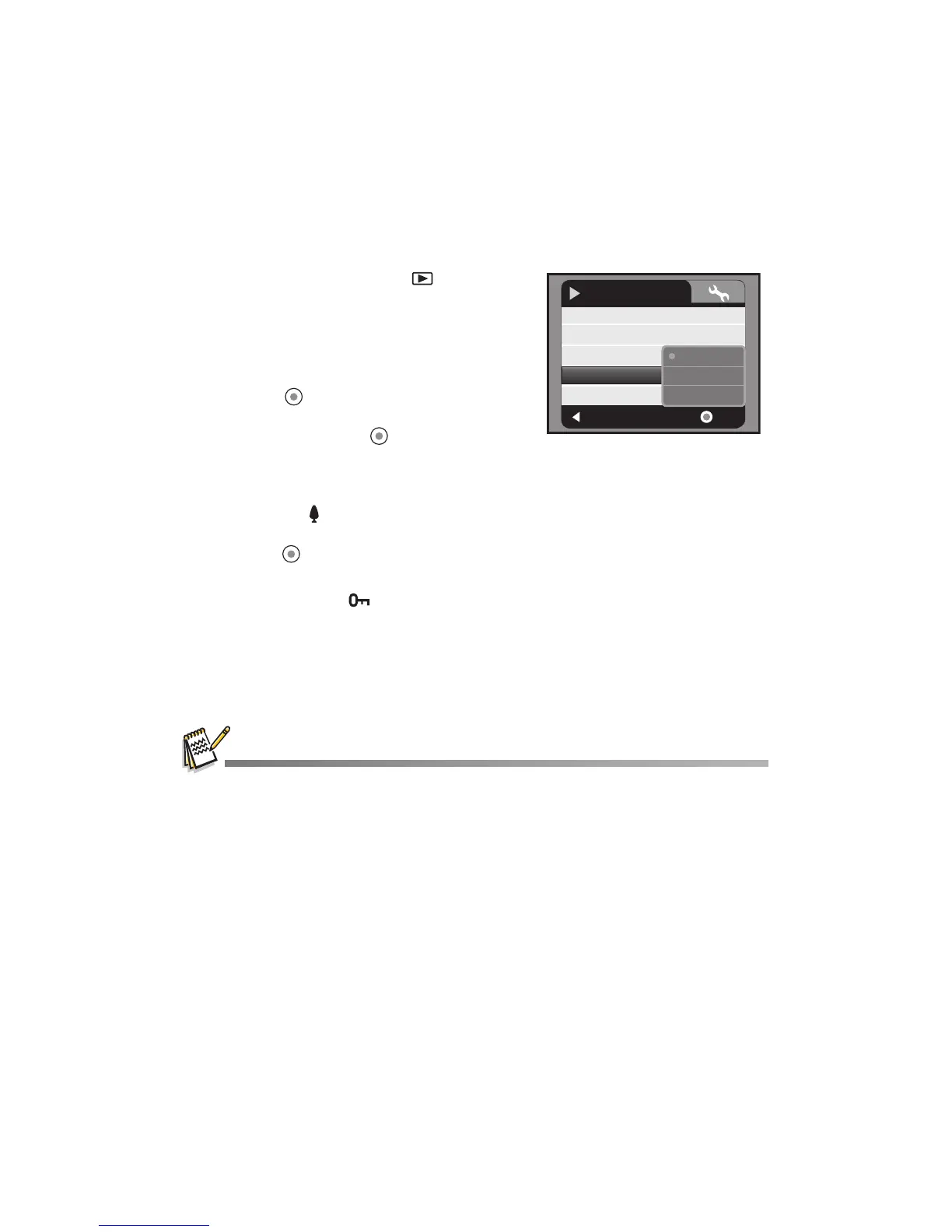
4. Select [Protect] with the c / d buttons and
press the button.
5. Select [Single], [Select], or [All] with the c / d
buttons, and press the button.
[Single]: Protects the current image/video
clip.
[Select]: Select the images/video clips you wish to protect in thumbnail mode.
Press the button to marked the selected images/video clips.
[All]: Protects all images/video clips.
6. Press the button.
Protection is applied to the selected images and the video camera returns to
the previous menu mode.
The protect icon is displayed with protected images.
7. To cancel protection, repeat steps 2 to 6 from above.
The removal of image protection is executed and the video camera returns to
the previous menu mode.
Formatting an SD/SDHC memory card overrides protection, and deletes all images regardless
of their protected status.
:
Exit
:
Slide Show
Delete File
Delete All
Protect
Sound
Yes
OK
Play
Single
Select
Next Menu
No
All



 To Next Page