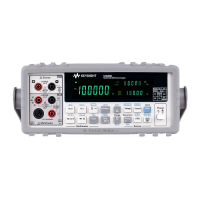
U3402A Quick Start Guide 7
8 Using the secondary display
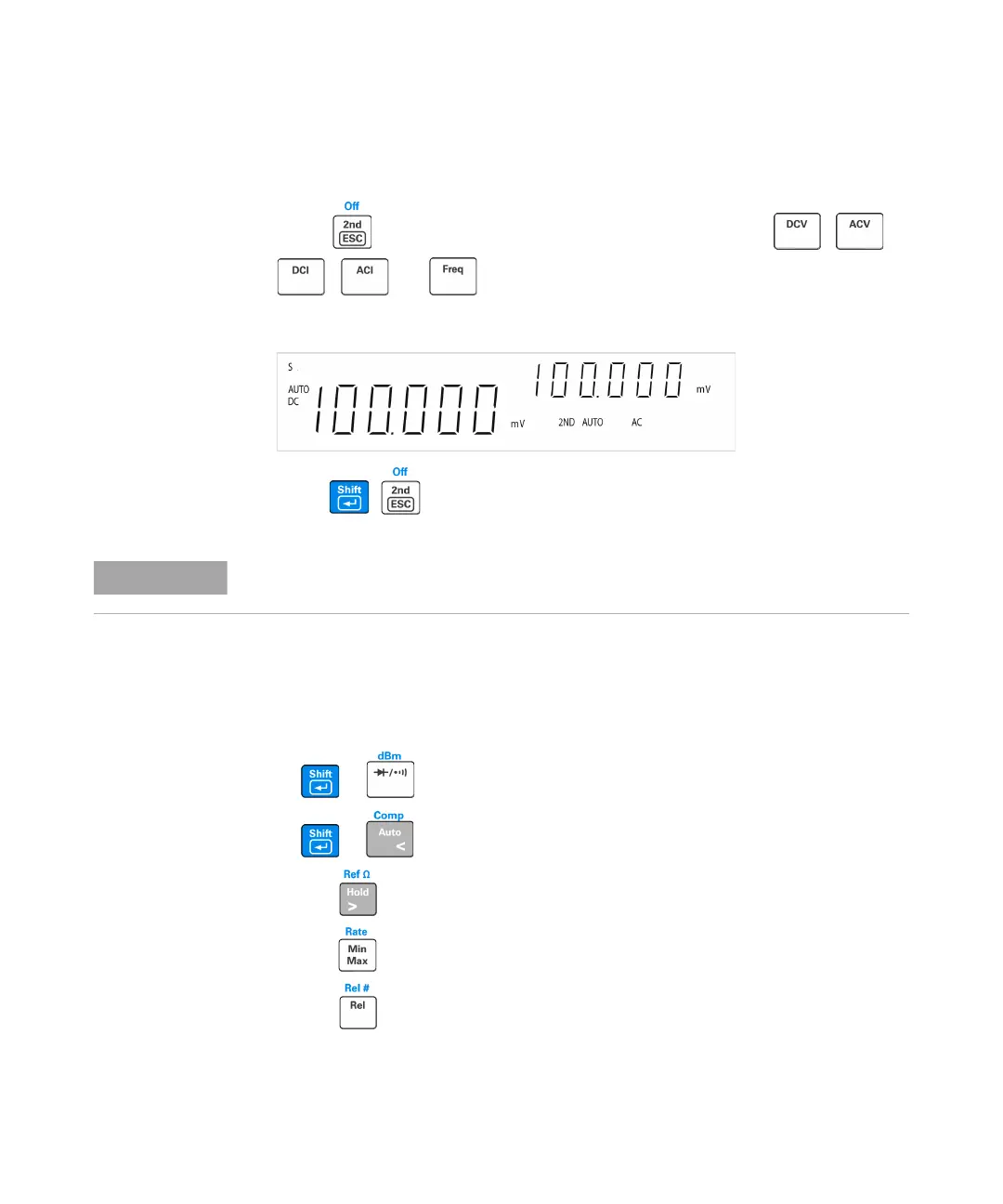
Press followed by a specified function keys such as , ,
, , or to enable the secondary display mode.
The 2ND annunciator is displayed along with the secondary display.
Press to disable the secondary display.
9 Math operation
The U3402A has five math operations — dBm, Rel (relative), MinMax, Comp
(compare), and Hold.
In dual display mode, the
The multimeter has an increased key response time (0.6 s to 1 s) when in dual display
mode. You may need to press the selected key until the multimeter responses.
+
Press to select dBm measurement.
+
Press to select Comp math operation.
Press to enable Hold math operation.
Press to enable the MinMax math operation.
Press to select the Rel math operation.


 To Next Page
 Loading...