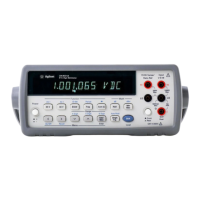
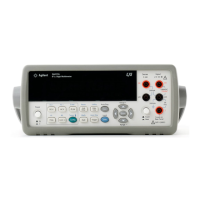
U3402A Quick Start Guide 5
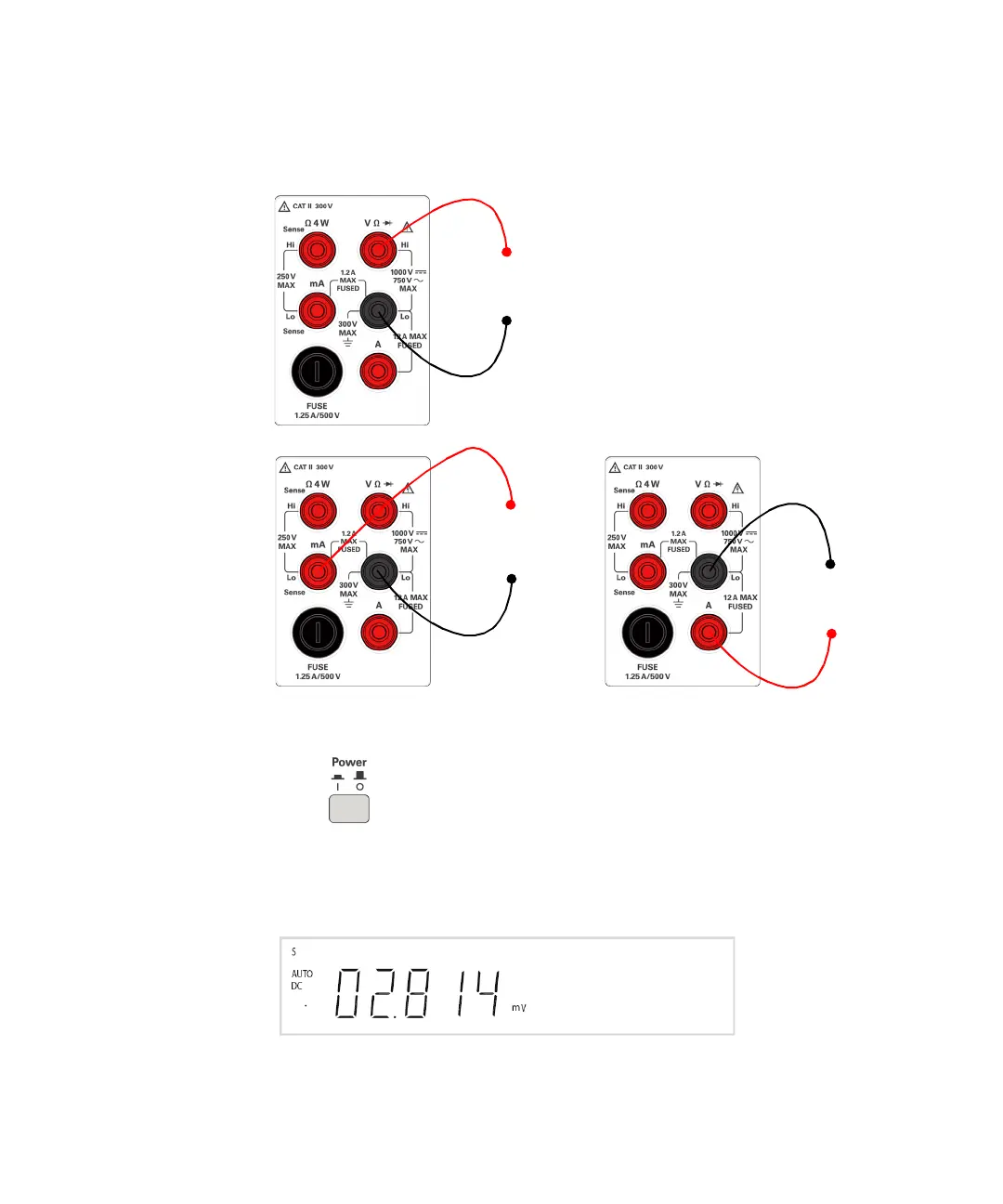
3 Connect the test leads to the input terminals
4 Turn on the multimeter
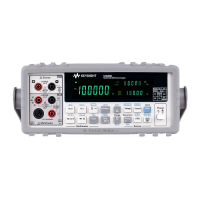
Push to turn on the multimeter. The front- panel display illuminates
while the multimeter performs its power- on self- test.
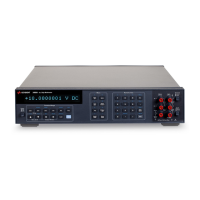
The multimeter powers up in the DC voltage function with autoranging
enabled. Typical display:
+
–
AC or DC voltage, frequency, or resistance measurement
and diode or continuity test.
+
–
AC or DC current
up to 1.2 A RMS
AC or DC current
up to 12 A RMS
–
+

 To Next Page
 Loading...