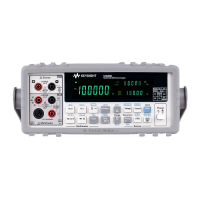
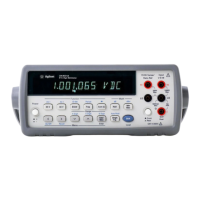
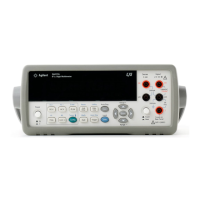
U3402A Quick Start Guide iii
Contents
The Front Panel at a Glance 1
The Display at a Glance 2
Getting Started 4
1 Connect the power cord 4
2 Adjust the carrying handle 4
3 Connect the test leads to the input terminals 5
4 Turn on the multimeter 5
5 Select a function 6
6 Set the range 6
7 Set the reading rate 6
8 Using the secondary display 7
9 Math operation 7
10 For more information 8


 To Next Page
 Loading...