4 U3402A Quick Start Guide
Getting Started
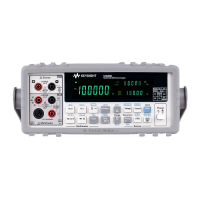
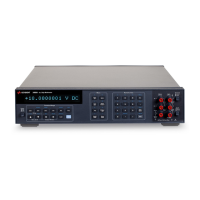
This section describes the basic step- by- step procedures on how to operate
the multimeter.
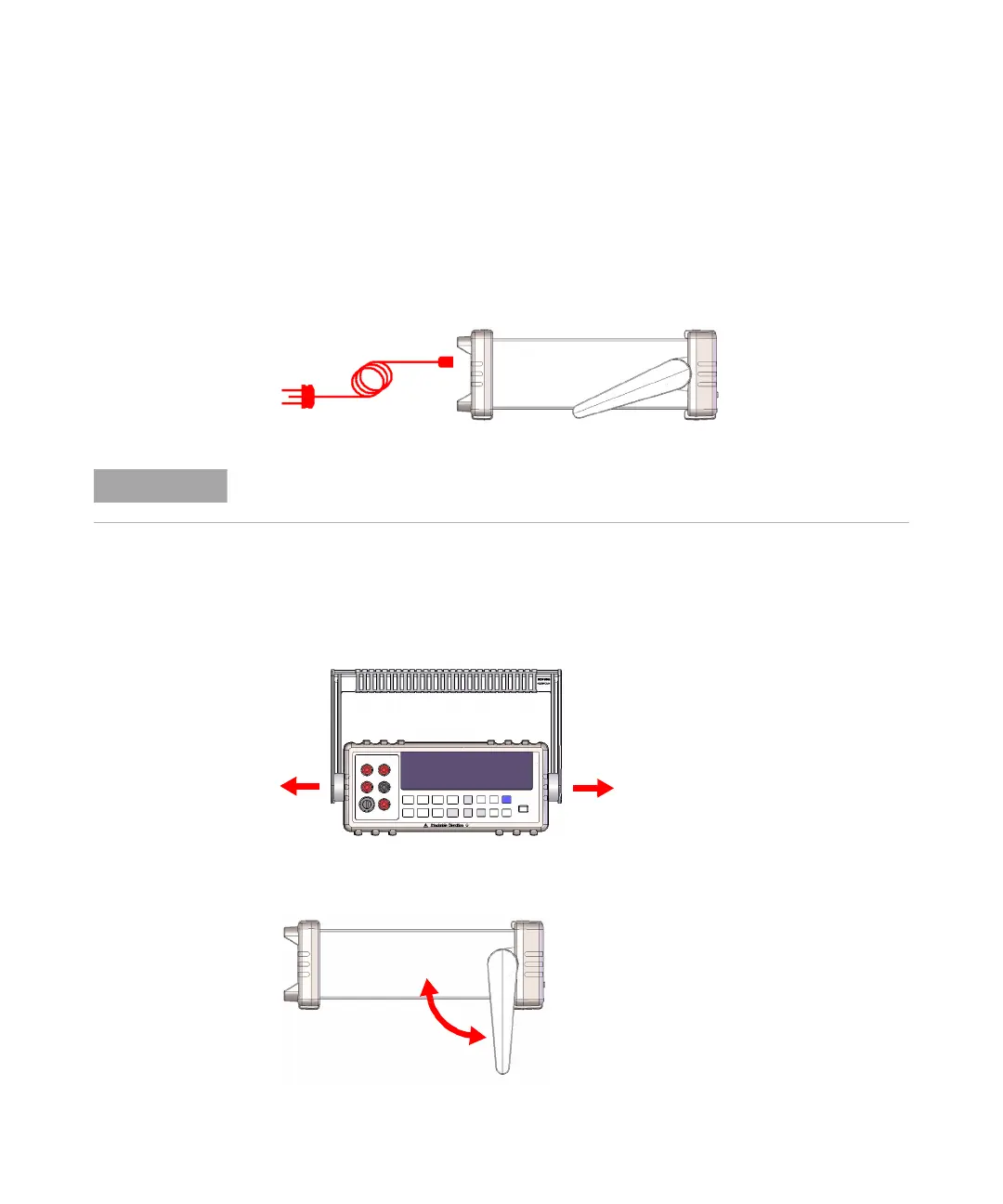
1 Connect the power cord
2 Adjust the carrying handle
Grasp the handle by the sides and pull outward as indicated by the red
arrows below.
Then, adjust the handle to the desired position.
The line voltage switch and fuse are set at the factory according to the country of
destination.


 To Next Page
 Loading...