the route operation→ select the mapped plot to be operated→ edit the plot parameters→
click "Execute operation" → set the operation parameters→ upload the route→ self-test
before the operation→ start the route autonomous operation→ the route execution is
completed→ pop-up window to view the operation effect confirmation→ click "Confirm" to
end the flight.
8.Toggle the spreading mode
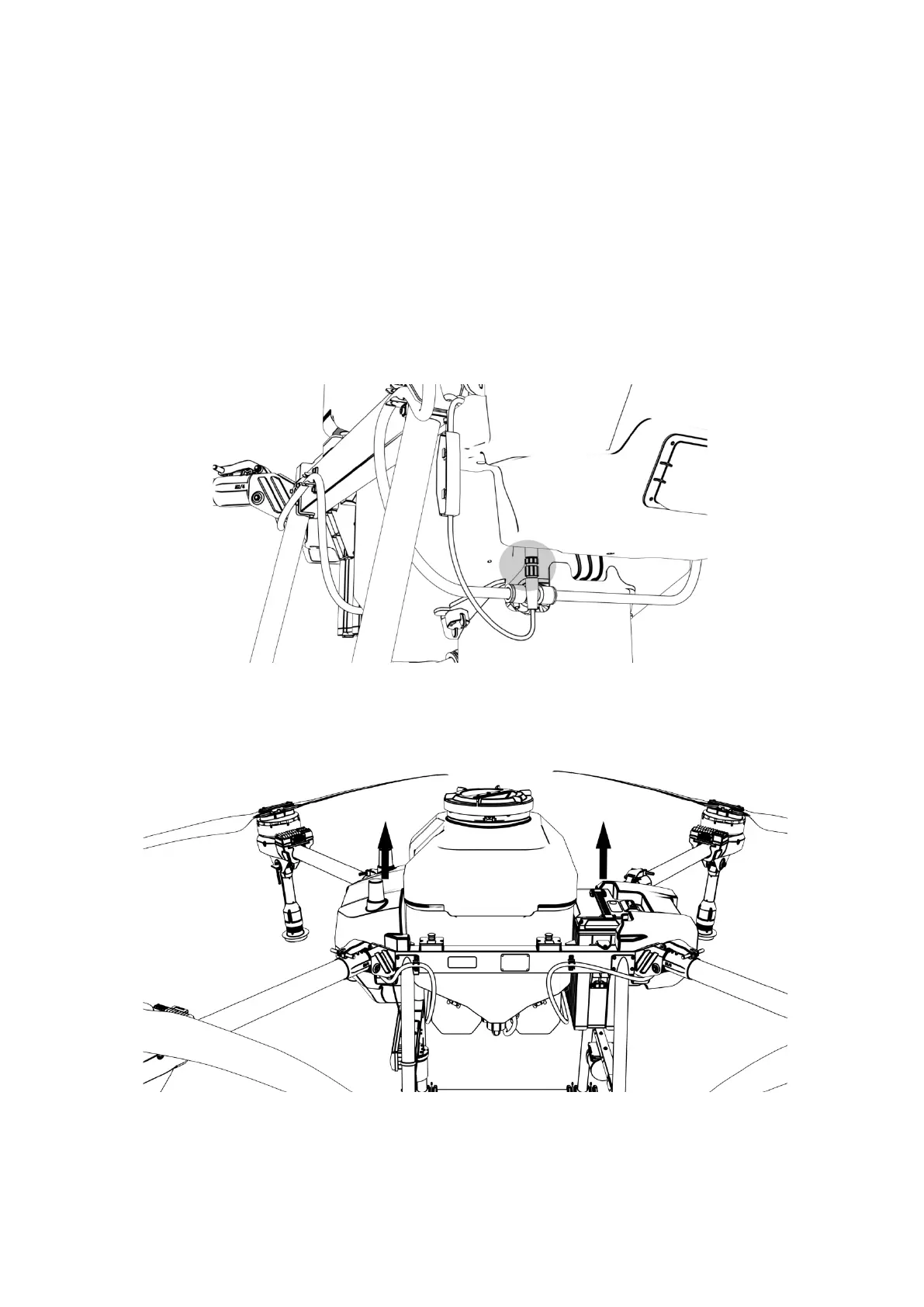
By default, the drone is sprayed, if you need to switch the spreading mode, please follow
the steps below to install it.
Step 1: Turn off the drone battery and remove the plug from the spray system
Step 2: Remove the spray system
Step 3: Install the spreading system



 To Next Page