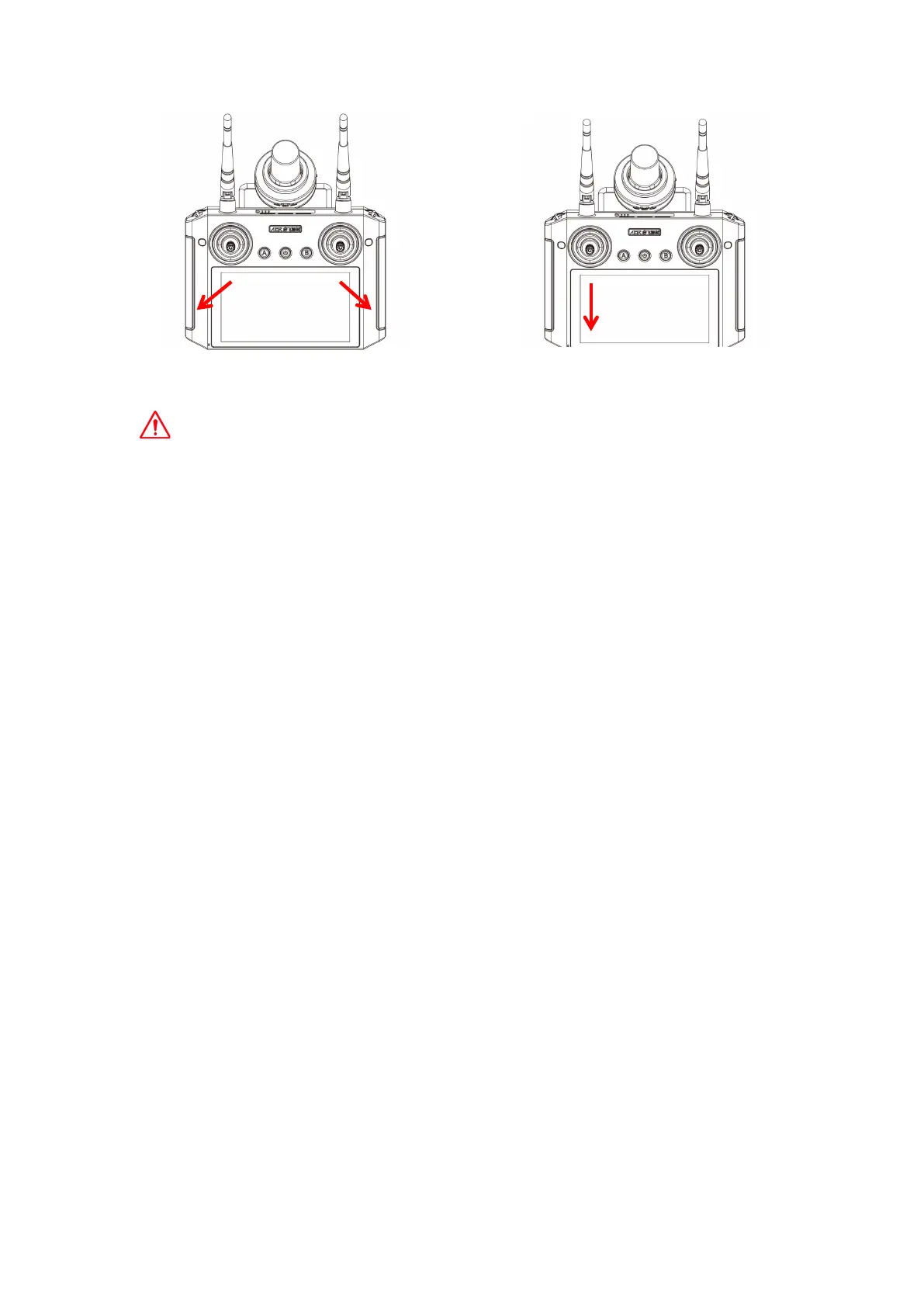
When the drone is flying in the air, please do not toe out the stick, otherwise the drone
will stop the propeller in the air and cause a crash.
In the event of a malfunction or maloperation and the drone flies towards crowds, vehicles,
animals, buildings, etc., please perform toe out in time to stop the drone to minimize
accidents and losses.
7.Start Working
(1)Prepare before the operation
Dosing: Add pesticides to the pesticide tank.
Exhaust: Click the "spray" button of the remote control or enter the APP “ more settings ”→
spray settings→ the pipeline exhaust interface→ turn on spraying for exhaust.
(2)Enhanced manual (M+) operation
Enter the APP execution interface→ click "Start Operation"→ select Enhanced Manual
Operation (M+), →set operation parameters→ unlock the take-off →, click the APP "Start
M+ Operation"→ operate the drone for spraying operation→ click "End M+ Operation" to →
pop-up window to view the operation effect confirmation→ click "Confirm" to end the
operation.
(3)AB operation
Enter the APP execution interface→ click "Start Operation"→ select AB operation→ set
operation parameters→ unlock take-off → operate the drone to a suitable position at one
side of the field→ click APP "A" to mark point A→ the drone starts spraying according to
the set parameters→ operate the drone to the other side of the field→ click APP "B" to
mark point B→ select the direction of route execution→ self-test before operation→ start
AB autonomous operation→ click "End AB Operation" → pop-up window to view the
operation effect confirmation→ click "Confirm" to end the operation.
(4)Route operation
Mapping Plot: Enter the APP task mapping interface→ click "Add Plots"→ select a plot
creation method→ add plot boundary points, obstacle boundary points, reference points,
→ save plots.
Execute operation: Enter the APP execution interface→ click "Start Operation"→ select
Toe out action to lock (USA hand, JP hand)
Toe in action to lock (Chinese hand)
Pull down on the throttle to lock(E.g:USA hand )



 To Next Page