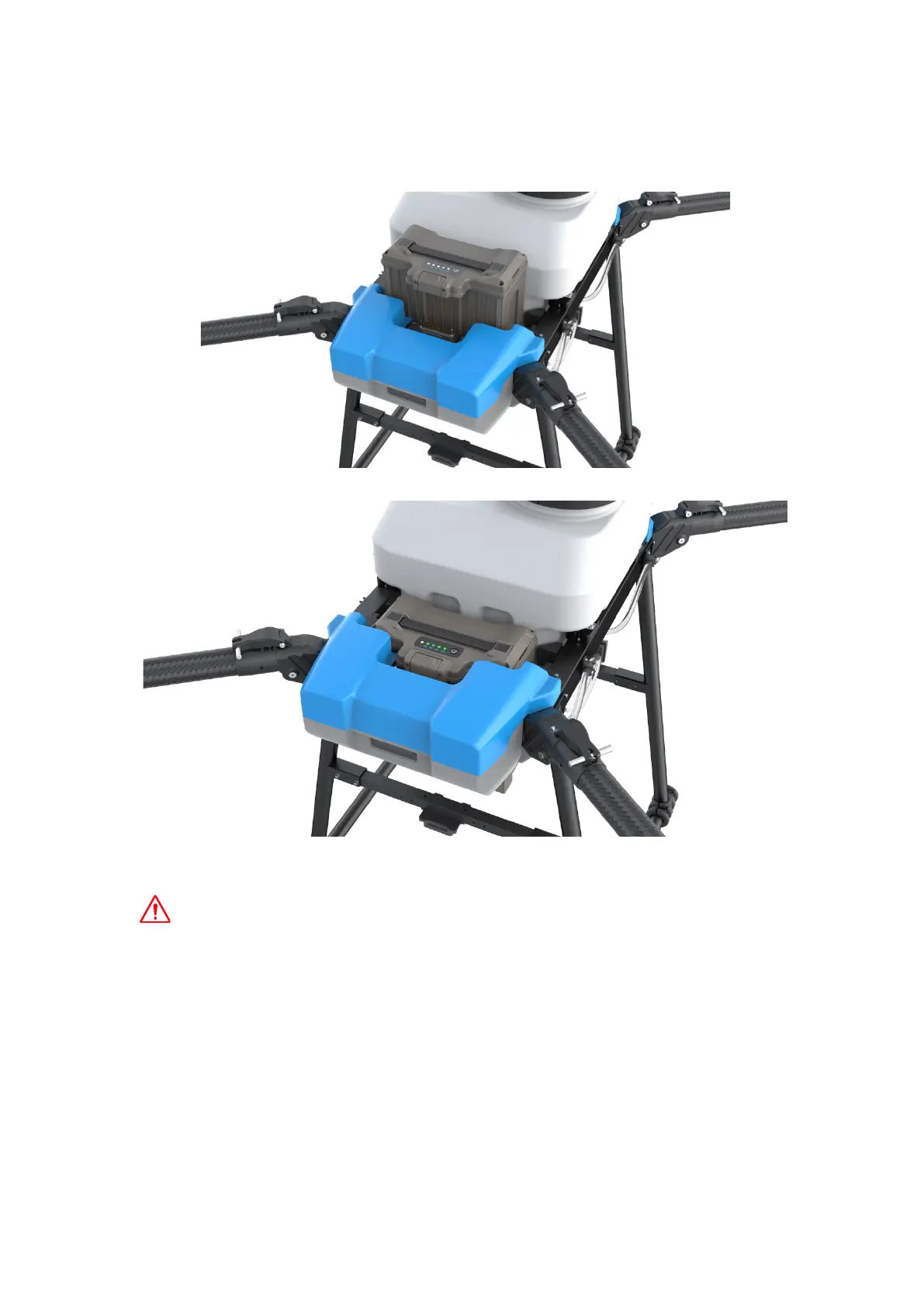
3.Insert the Intelligent Battery
1 Insert the battery and fasten the buckle
2 Press and hold the power button,until the four indicators turn on and release
Short press:Check battery level
Short press + Long press:Battery on/off.
Please be sure to wait until the battery has been inserted into the drone before turning
on the battery power, and after the power is turned off, remove the battery from the drone,
otherwise it may cause damage to the drone and the battery port.
4.Activate Drone
(1) Connect drone(Insert Battery First)
Open the AGR APP,enter the main interface,click No drone connected.



 To Next Page