18
4.1.1.3 Deleting DMC intercom groups:
If you delete a DMC intercom group, you must rejoin it if you want to connect to it again in
the future.
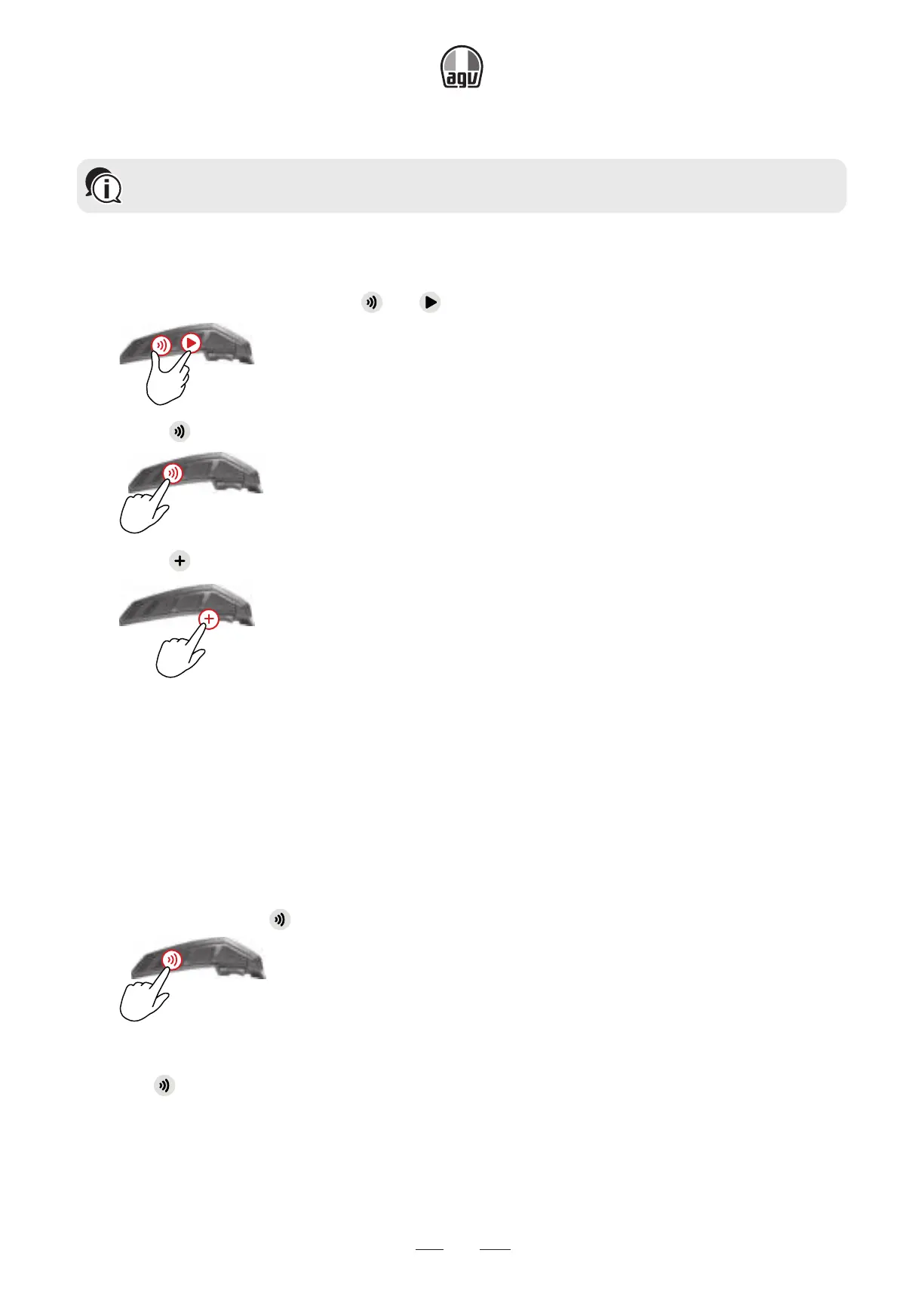
To delete a DMC group:
1. Confirm your INSYDE is in DMC intercom mode (LED flashes green slowly): if your INSYDE is
not in DMC intercom mode, tap and .
x1
2. Press for 5".
5”
3. Press for 2".
x2
4.1.2 SETTING UP DMC INTERCOM GROUPS
4.1.2.1 Joining DMC intercom groups
You can use the DMC bridging feature to add a non-DMC rider or passenger to the intercom group.
To bridge a non-DMC passenger/rider:
1. Verify that the passenger/rider is paired via Bluetooth
®
(see Setting Up Non-DMC Intercom
Groups).
2. On your unit, press .
x1
To disconnect the bridge:
• Press
.


 To Next Page