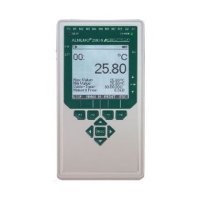
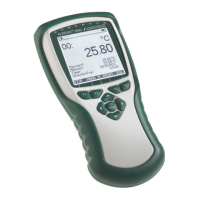
6 Measurement only with the ALMEMO® measuring device
- 12 –
3. Enter a desired six-digit number with which you can recognize the
measurement.
4. Tap on
OK.
5. Tap the Display menu .
6. Tap on .
The measurement is started.
The measured values are recorded and stored in the ALMEMO
®
measuring
device.
The START LED and the REC LED light up.
→ As soon as calibration is complete, tap .
The cyclical measurement is stopped.
The START LED and REC LED no longer light up.
The stored measurement data can be called up in the AMR WinControl
software as soon as the ALMEMO
®
measuring device is connected to the
software.



 To Next Page
 Loading...