- 11 –
6 Measurement only with the ALMEMO
®
measuring device
6.1 Display measured values on the ALMEMO
®
measuring
device
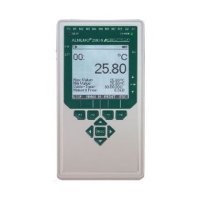
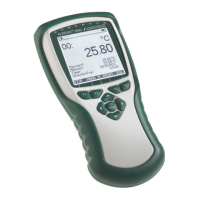
! An ALMEMO
®
measuring device with display is required for the readout.
! All sensors must be connected beforehand.
The procedure with the ALMEMO
®
710 precision measuring device is
explained as an example.
1. Switch on the ALMEMO
®
measuring device.
2. Tap the Display menu .
The various measuring channels are displayed with the current measured
value.
6.2 Save measured values
The measured values can be saved during the measurement
without connecting the ALMEMO
®
measuring device to the AMR
WinControl software. The ALMEMO
®
measuring device is used as a
data logger for this purpose.
It is then not possible to evaluate the measured values in the AMR
WinControl software. For the steps required for evaluation in the
AMR WinControl software, see chapter 7.
If you want to determine the temporal instability, please pay attention
to the set measuring cycle so that you save at least 30 measured
values in 30 minutes (for setting the measuring cycle, see the
respective operating instructions for the ALMEMO
®
measuring
device).
1. Tap on the Memory menu .
2. Tap the end of the line
Numbe r.



 To Next Page
 Loading...