CHAPTER 5
22 23
MX STRADA SERIES
To use an input as “Digital Input” its parameters have to be configured as follows:
n
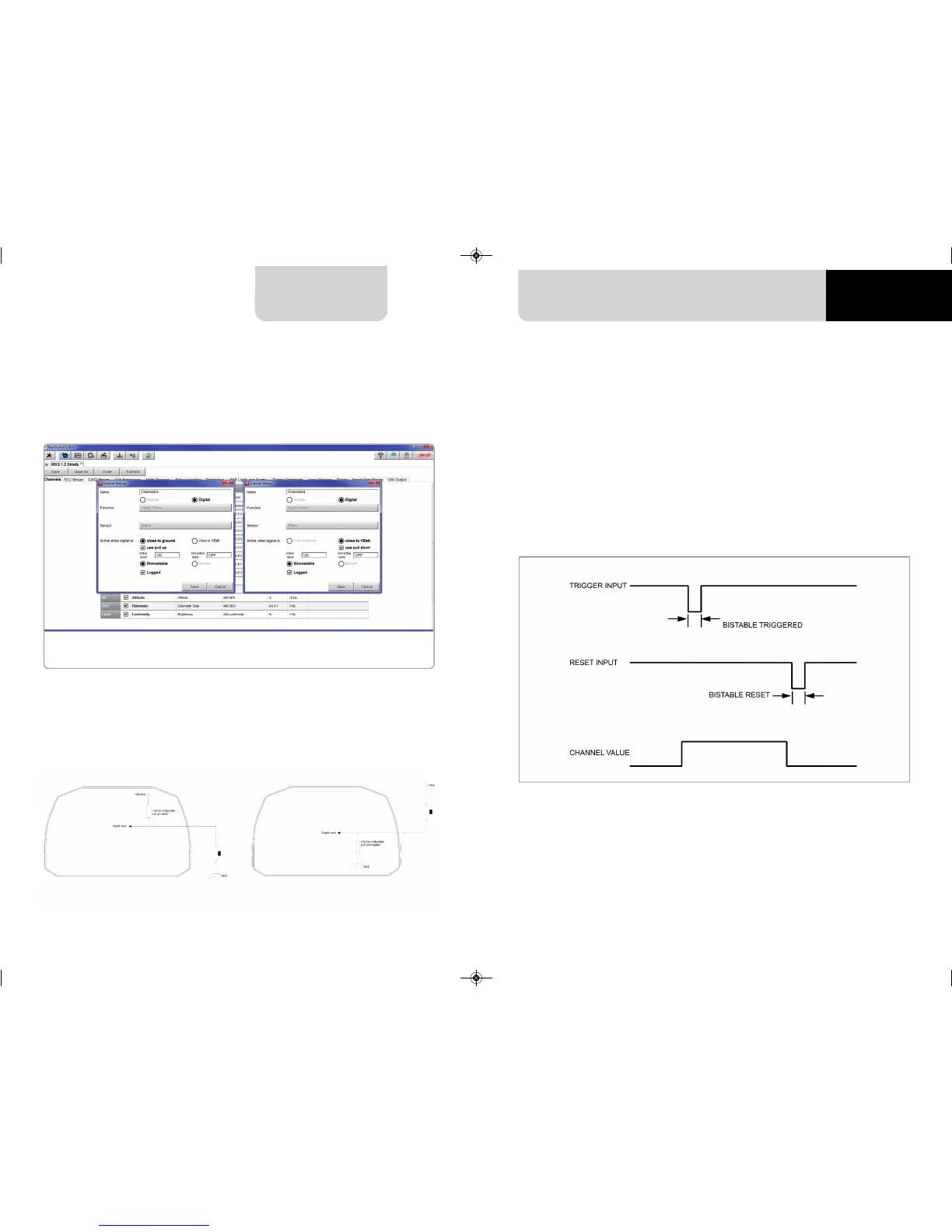
Working mode: a Digital input can work in two different ways:
n
The pushbutton closes to ground (with or without pull up resistor – left image below)
n
The pushbutton closes to VBattery
(with or without pull down resistor – right image below)
n
Active/Not active labels: according to the status, a Digital channel may assume the values:
0/1, High/Low, ON/OFF, Closed/Open, True/False, etc.
The two different labels can be defined and eventually shown on the display, used by Math
channels, Icons Management, alarm managements and in general, any time a digital channel
is required; the labels appears in Device page too.
n
Signal type: can be monostable or bistable, to say
n
Monostable: the channel is active when the pushbutton is closed
n
Bistable: the channel is activated the first time you close the circuit and deactivated
the second time the circuit is closed as shown here below
n
Logged: if active, the system records the digital values, else they can be used and shown
but they are not recorded.
MXG 1.2 MXP MXS 1.2 STRADA 2019.qxp_Layout 1 15/03/19 11:57 Pagina 23



 To Next Page