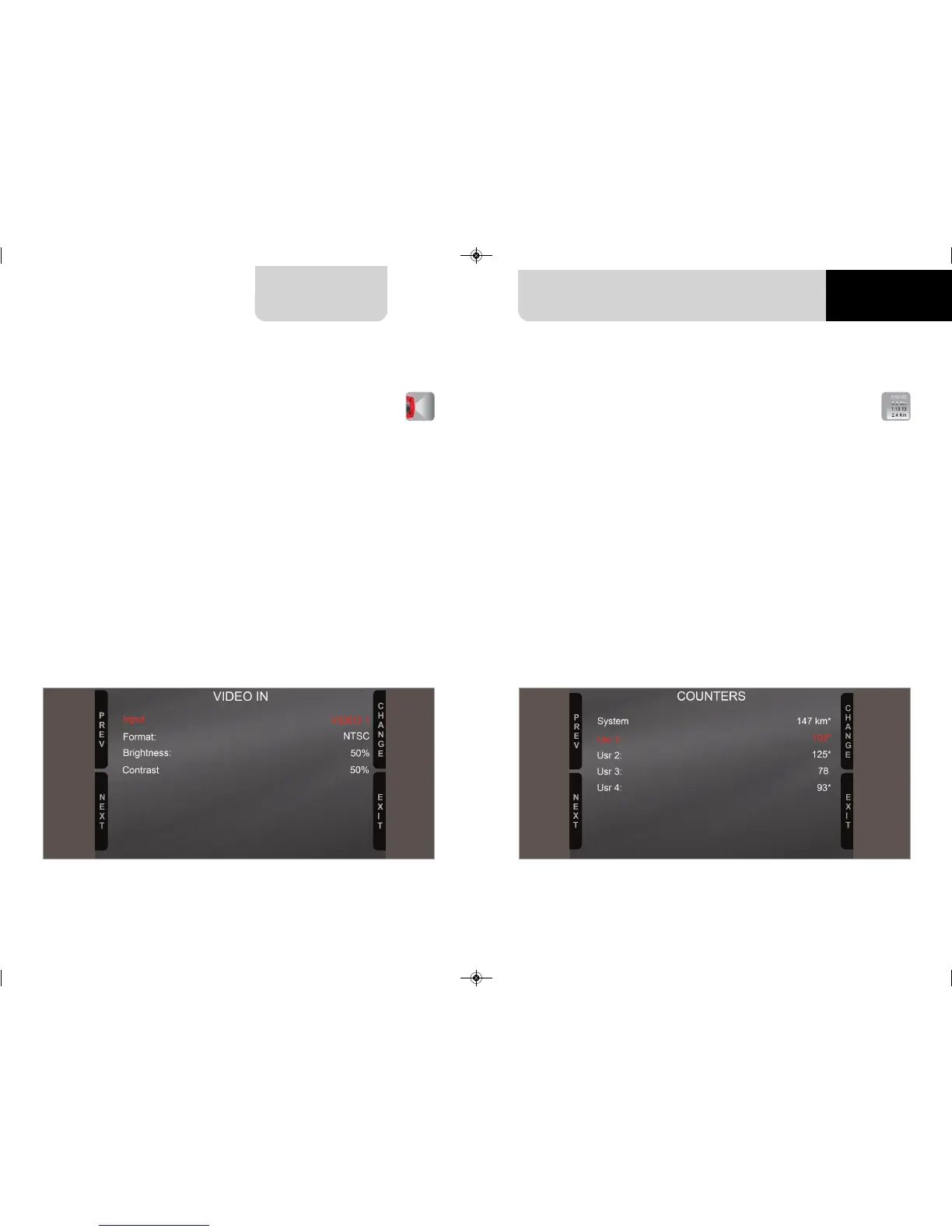
4.3 Set video input
Video In page manages up to two additio-
nal optional back cameras (that cannot be
logged).
They are to be connected to the Binder 712
female connector rear central of MX Strada
Series, as shown in the pinout you find at
the end of this user guide.
Features to set are:
n
Input: Video 1 / Video 2
n
Format: NTSC/PAL
n
Brightness and Contrast from 10 to 100%
Use “CHANGE” button to set each feature
and “NEXT” to scroll the features.
Please refer to paragraph 11.1 (“Rear came-
ras connection and management”)
for further information.
MX Strada series features 4 user odometers,
labelled User 1 – User 4, plus a non-resetta-
ble System Odometer.
All odometers are shown on the configura-
tion software Race Studio 3 too (see chap-
ter 5 – “MX Strada series and the PC”).
Each odometer can be activated/deactiva-
ted and/or reset. To manage an odometer
select it and press “CHANGE”.
14 15
MX STRADA SERIES
4.4 Counters management
CHAPTER 4
MXG 1.2 MXP MXS 1.2 STRADA 2019.qxp_Layout 1 15/03/19 11:57 Pagina 15



 To Next Page